All /
Transparent Plastic
{
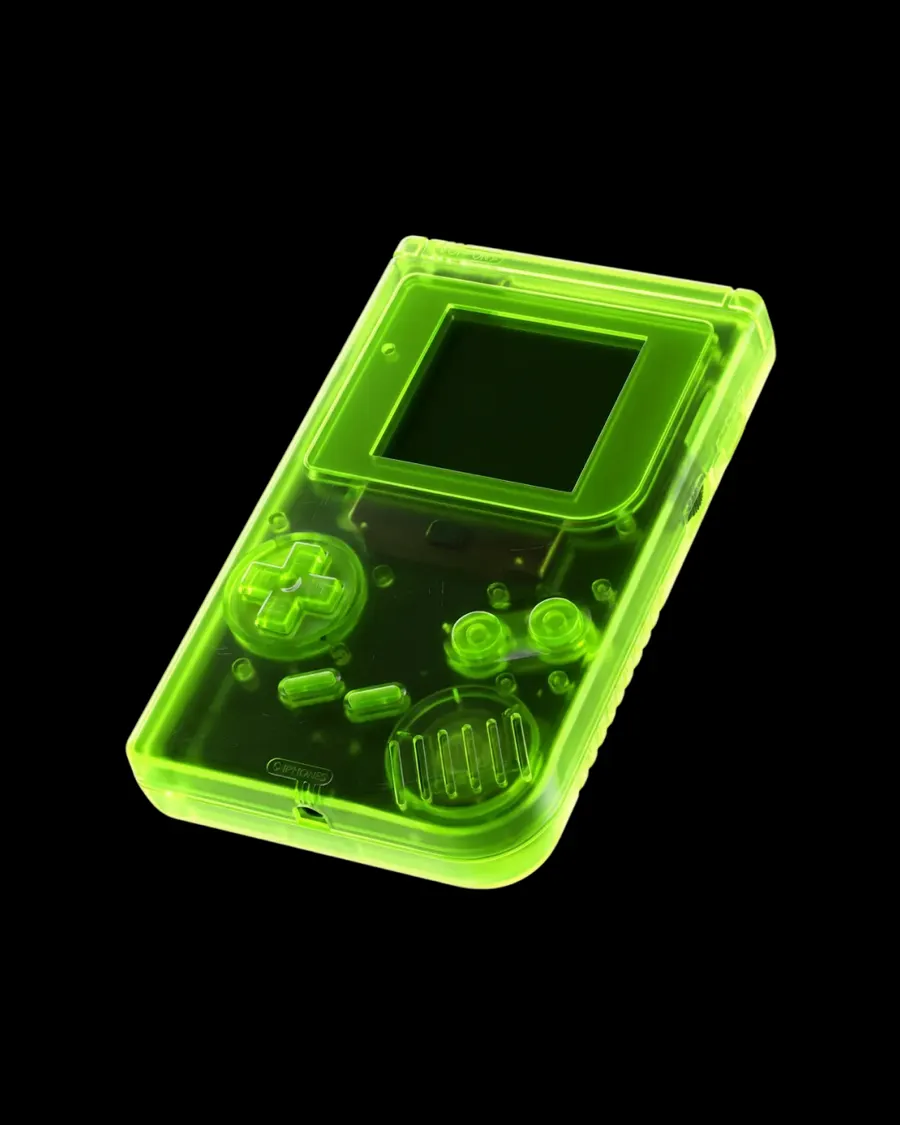
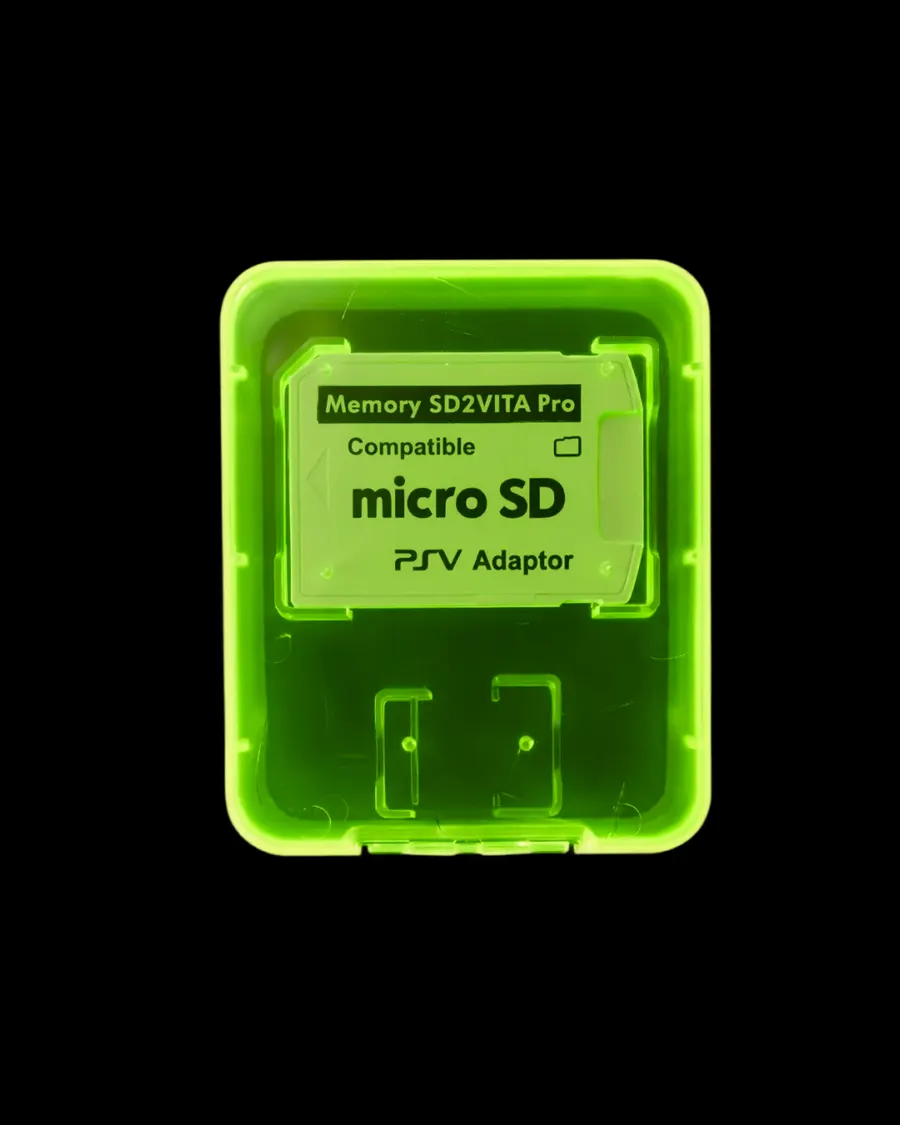
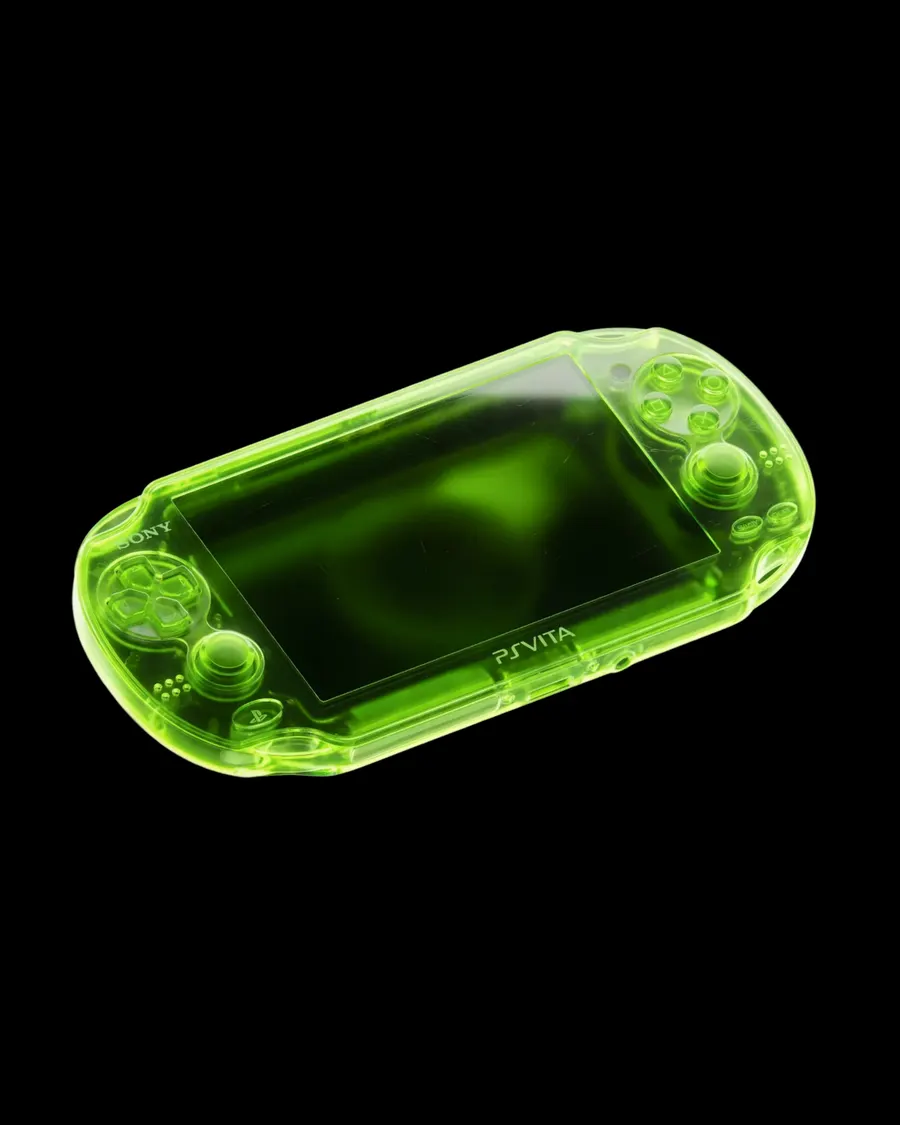
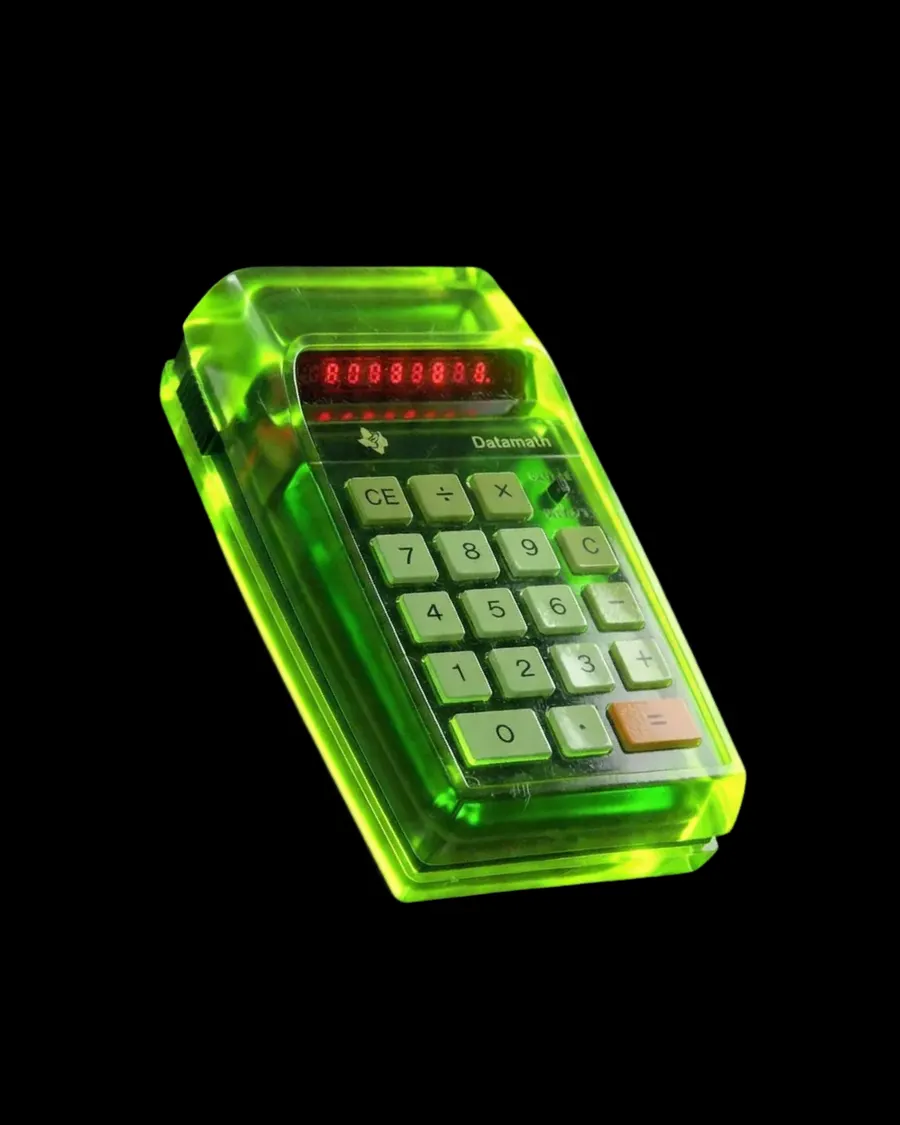
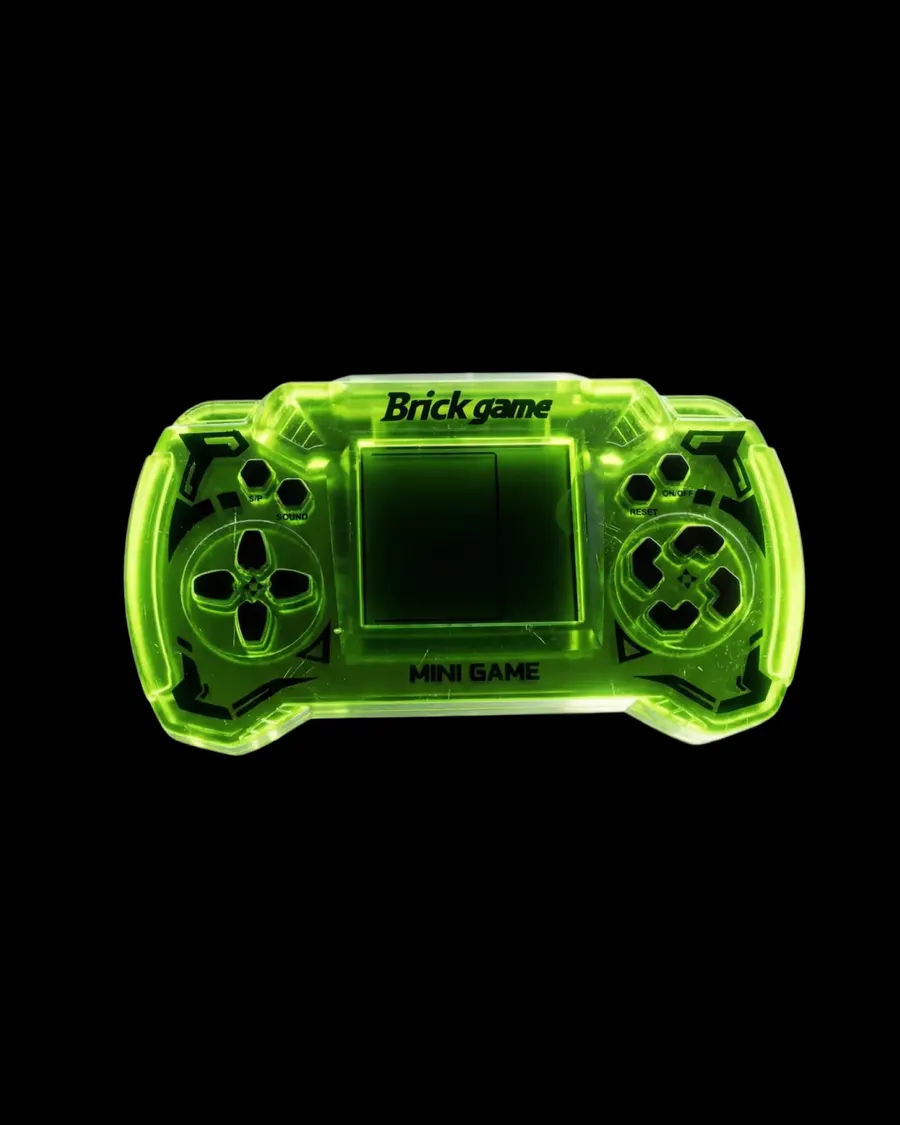
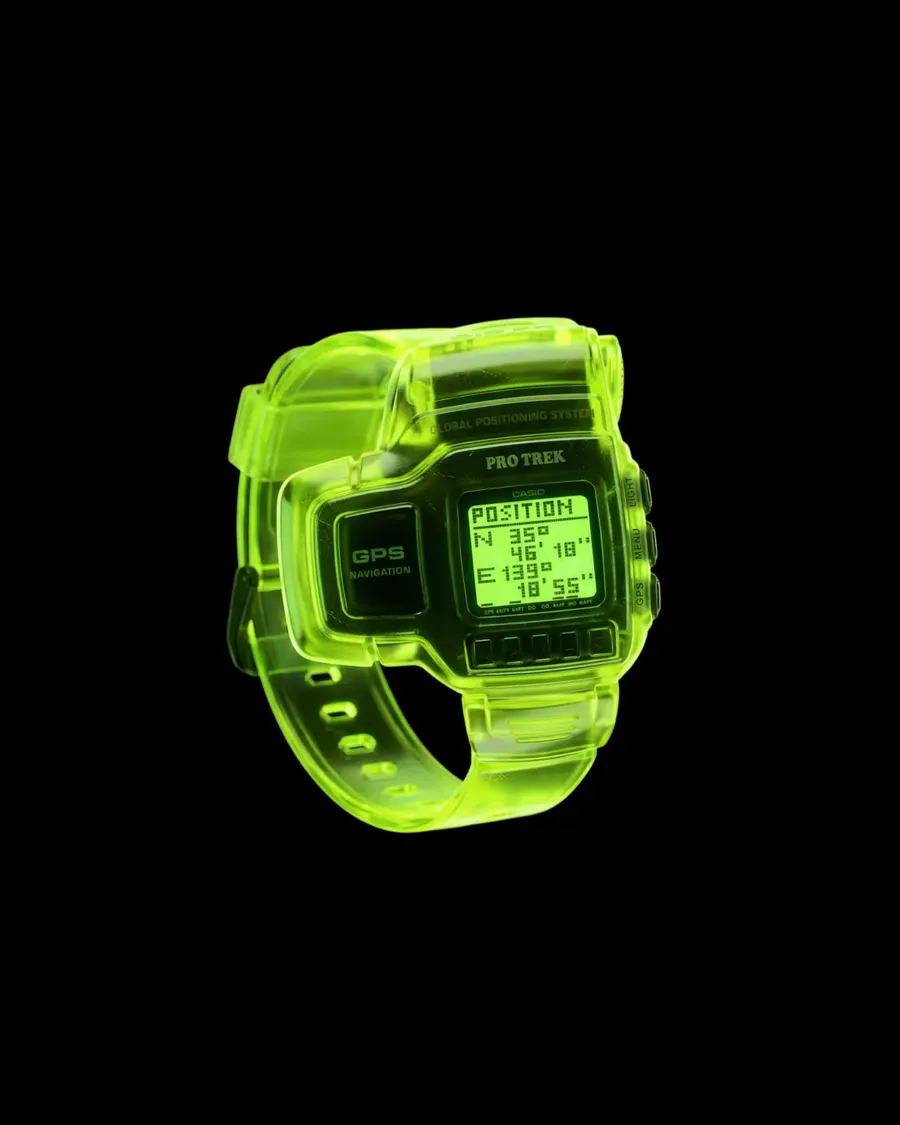
  "action": "Transform the attached image into a 3D object made of translucent glassy jelly-like polymer.",
  "preserve": "Preserve the original shape, proportions, silhouette, internal details, orientation, and composition exactly as in the input image.",
  "variables": {
    "material_color": "#99FF00",
    "background_color": "#000000"
  },
  "material": {
    "base": "A thick translucent polymer in {{material_color}}, glassy and jelly-like, closer to a solid cast resin than to anything watery. The form has real volume throughout, never a thin shell.",
    "light_transmission": "Light passes deep into the body and scatters softly inside it rather than stopping at the surface. The scattering stays diffuse and even, with no visible internal particles."
  },
  "optical_behavior": {
    "edge_glow": "Internal refraction concentrates light where the body thins, so every thin edge and rim lights up noticeably brighter than the bulk.",
    "reflections": "Internal reflections stay visible through the body, bending with the form.",
    "specular": "Soft diffused specular highlights sit on a glossy surface of low to medium roughness."
  },
  "colour_rule": "The object holds one saturated {{material_color}} throughout. Depth is read from value alone: the thick core sits darker and denser, the thin edges lift brighter and more luminous. The hue itself never shifts to another colour.",
  "surface": "Subtle micro-scratches run across the gloss, fine and shallow, catching the light without breaking the clarity of the material.",
  "lighting": {
    "style": "Studio lighting with strong highlights.",
    "effect": "The light drives the internal scattering and the edge glow, and reveals the micro-scratches across the surface."
  },
  "rendering": {
    "style": "High-quality 3D render",
    "detail": "Focused on internal light transmission, edge luminosity, and the tactile gloss of the surface."
  },
  "composition": {
    "background": "Pure {{background_color}}, the object centred and isolated within it, slightly floating.",
    "framing": "Centred, isolated object, slightly floating."
  }
}More prompts
See all



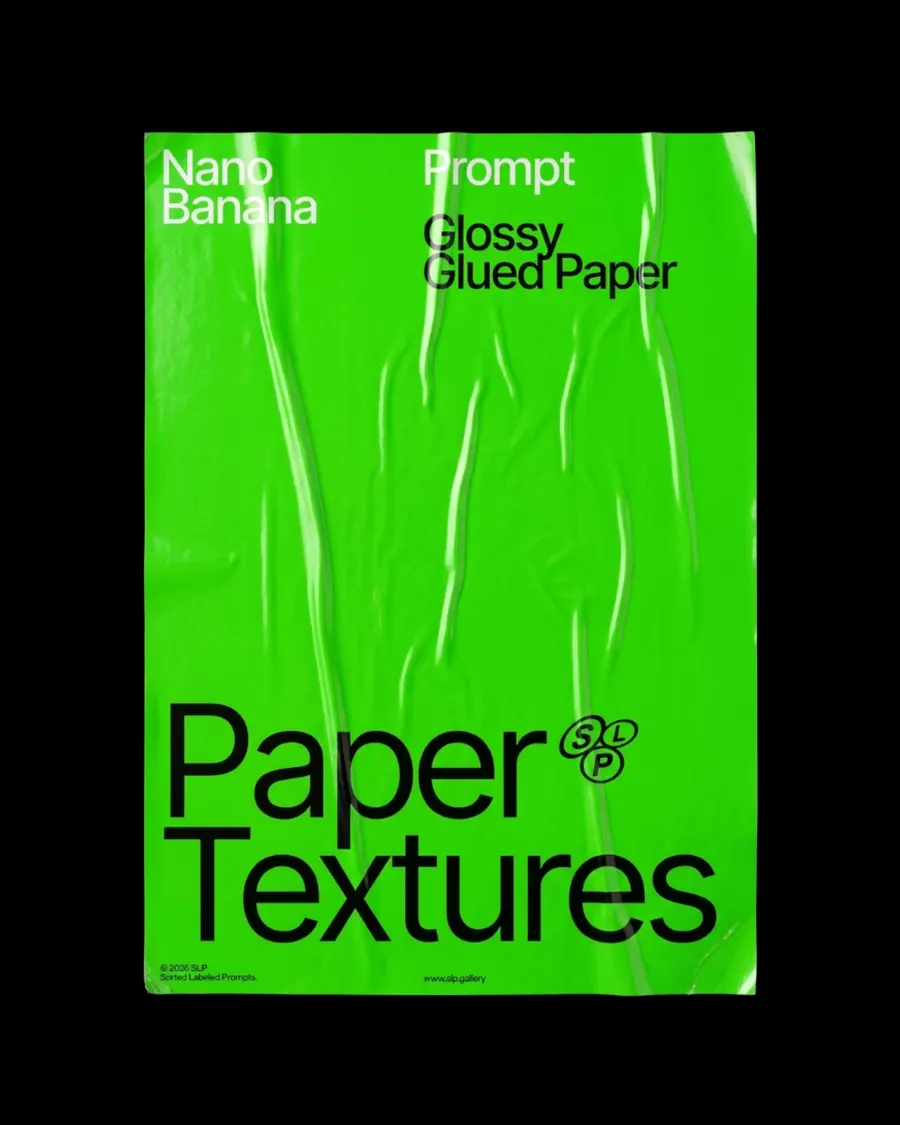
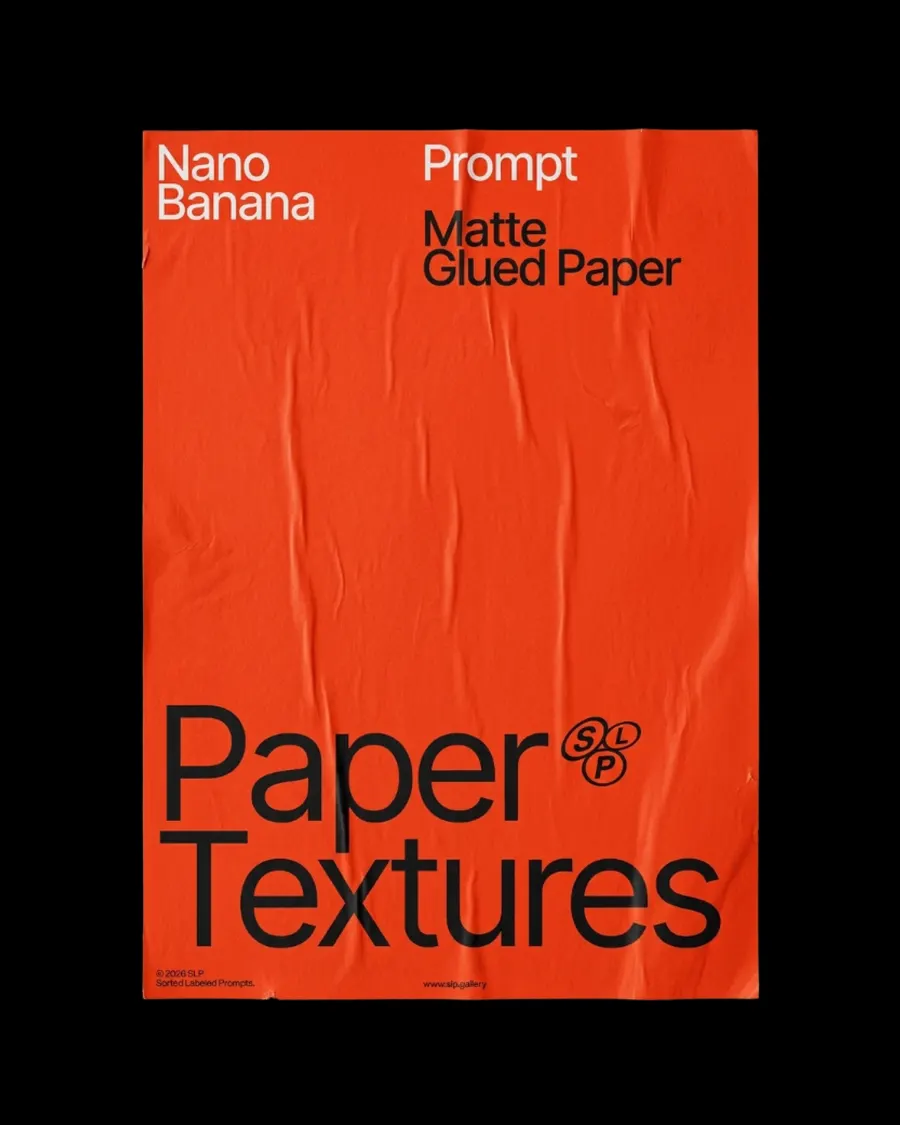
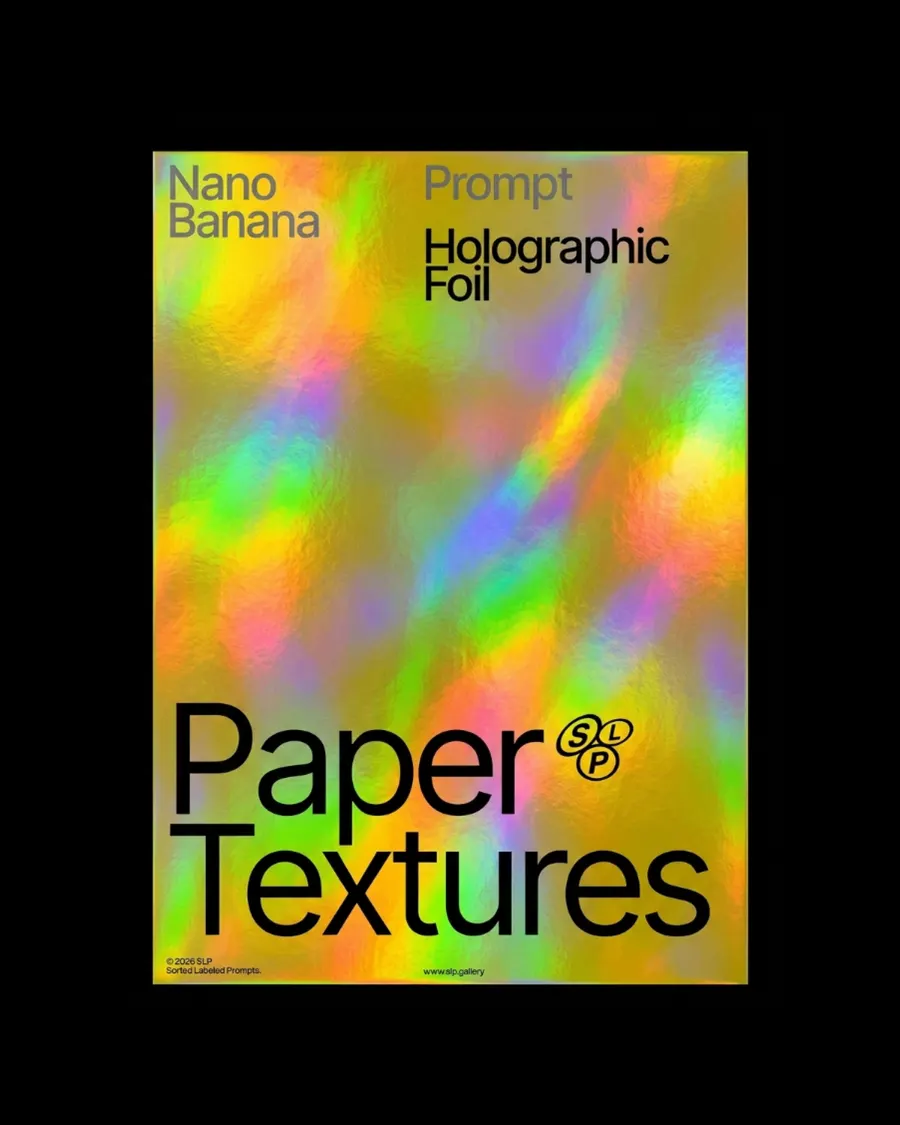
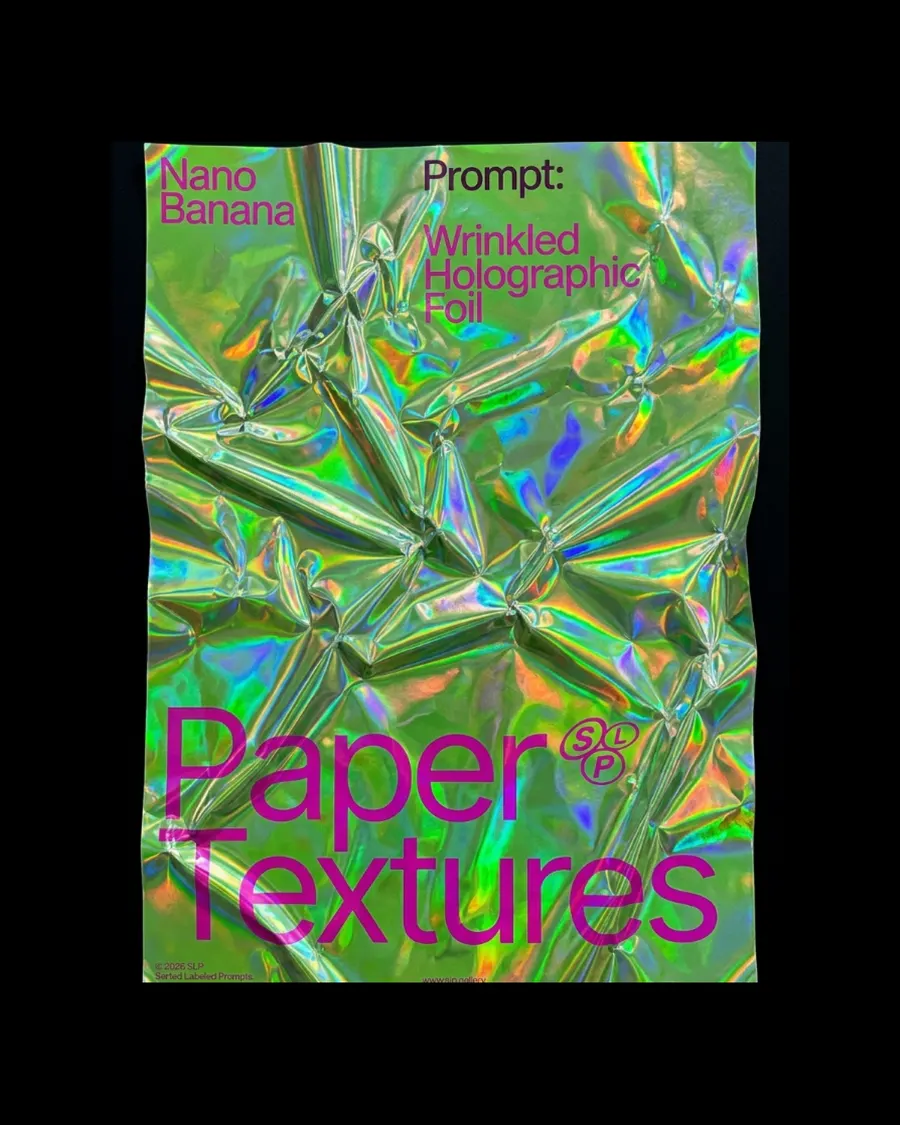
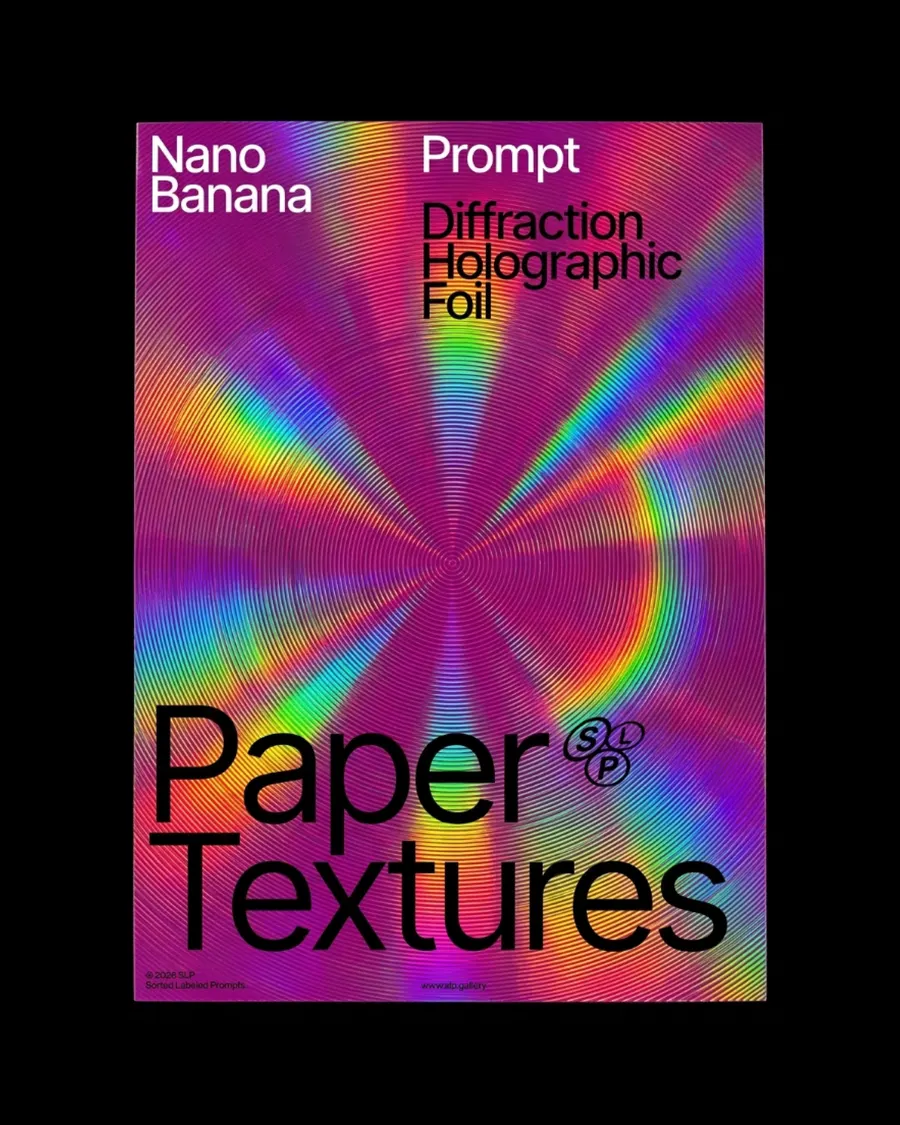
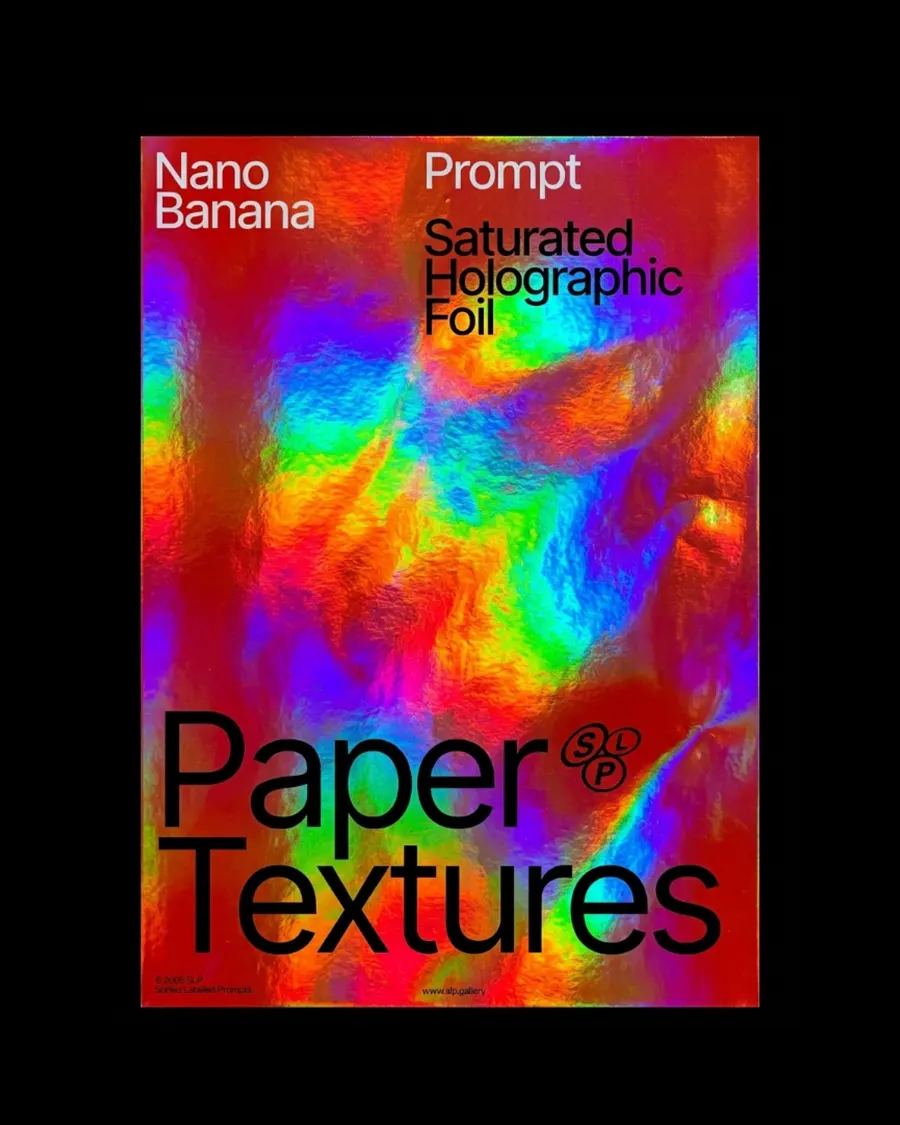
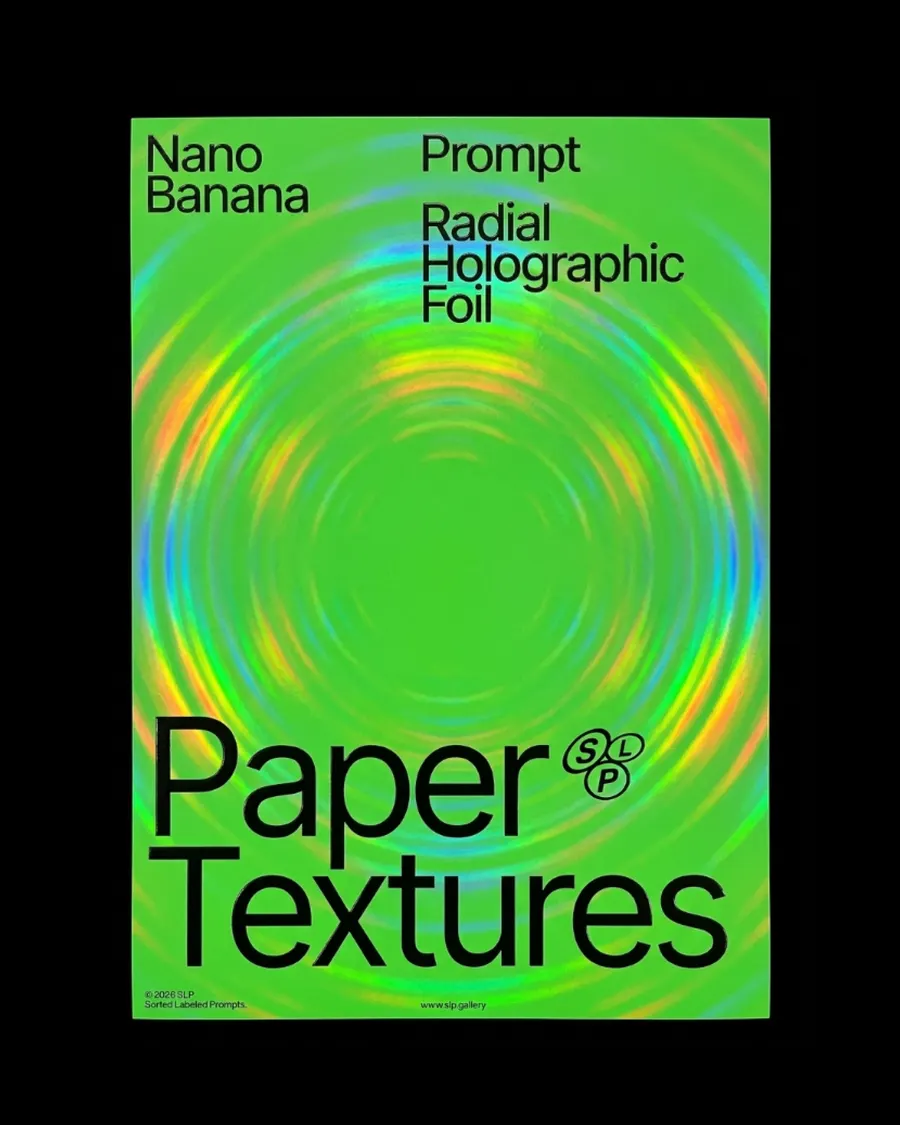
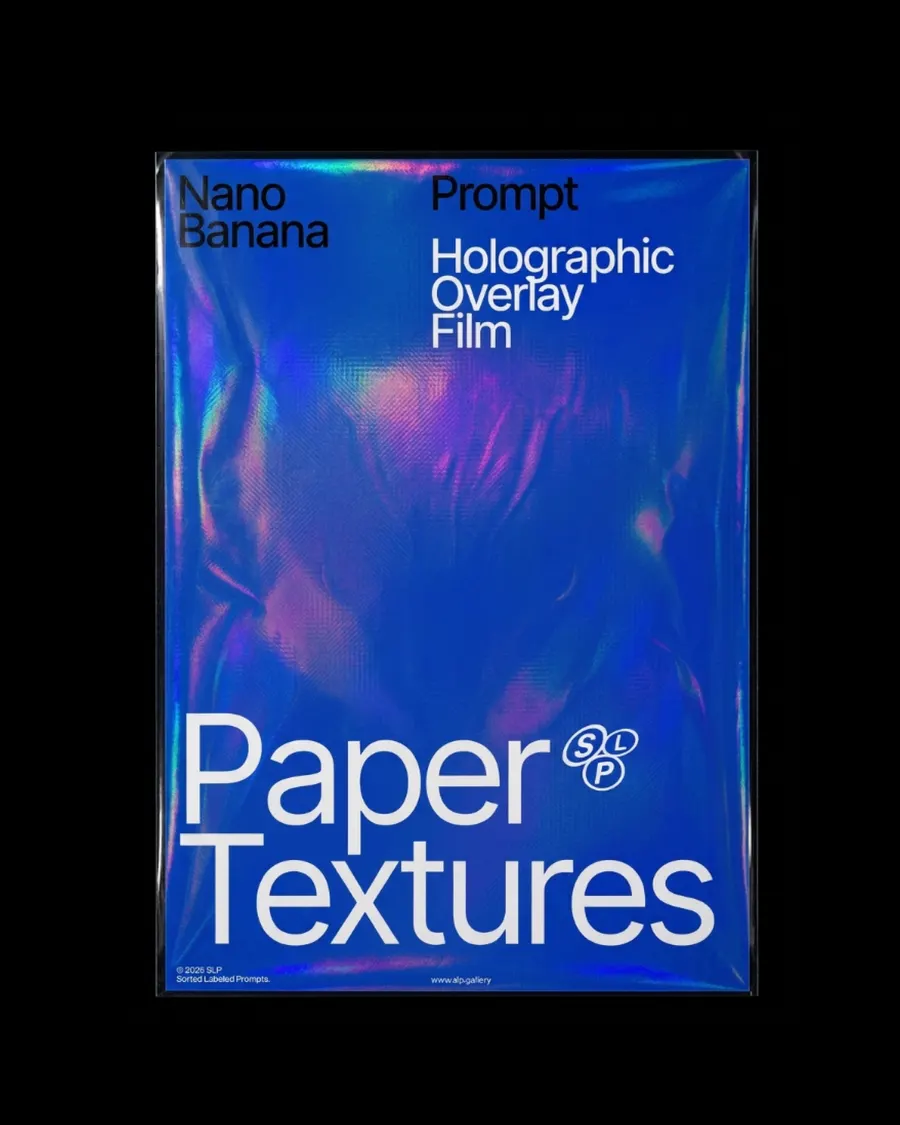
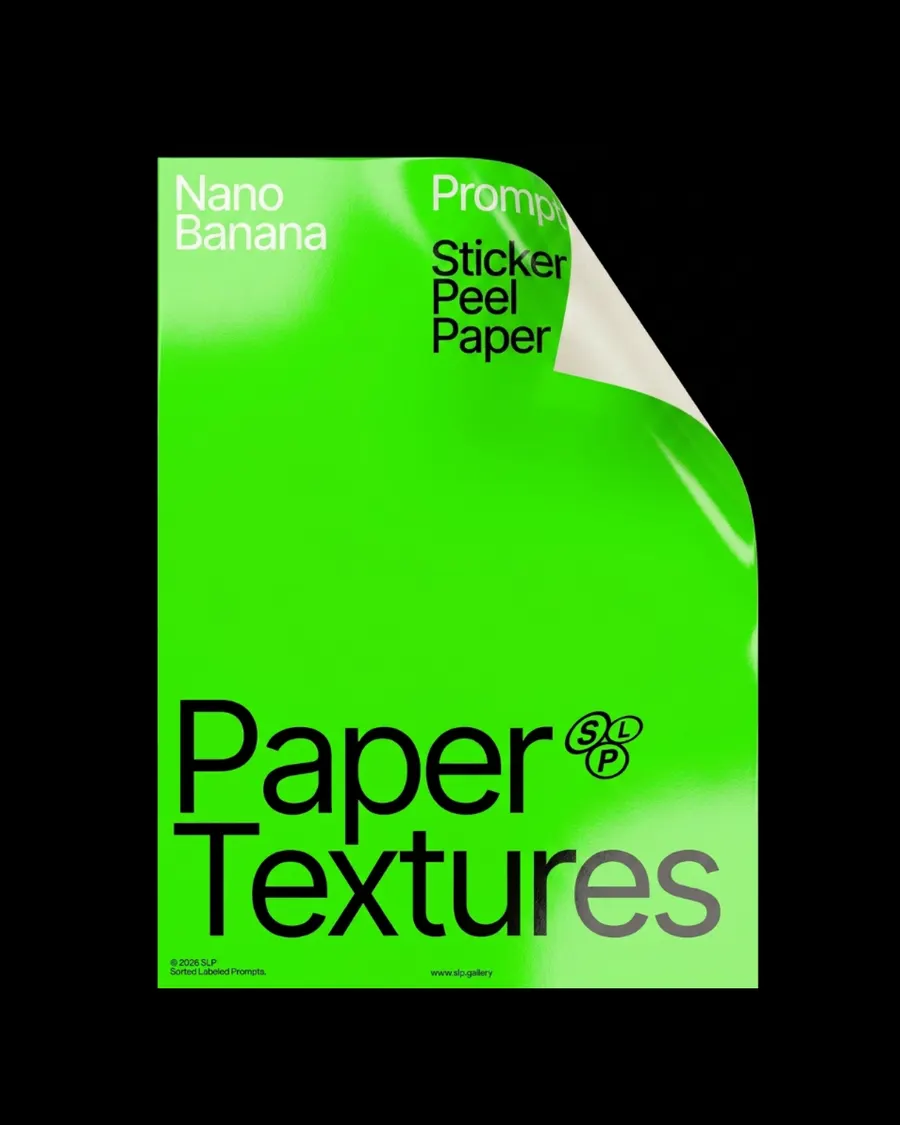
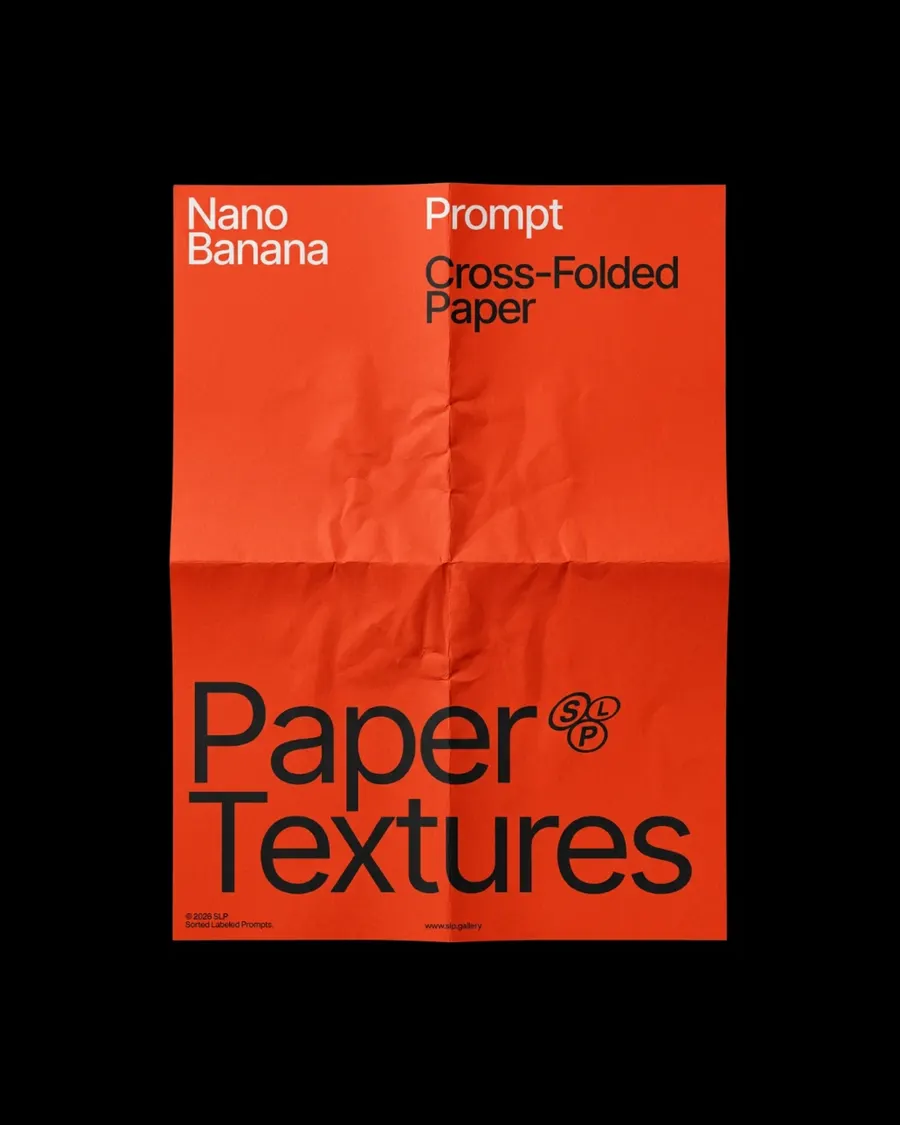
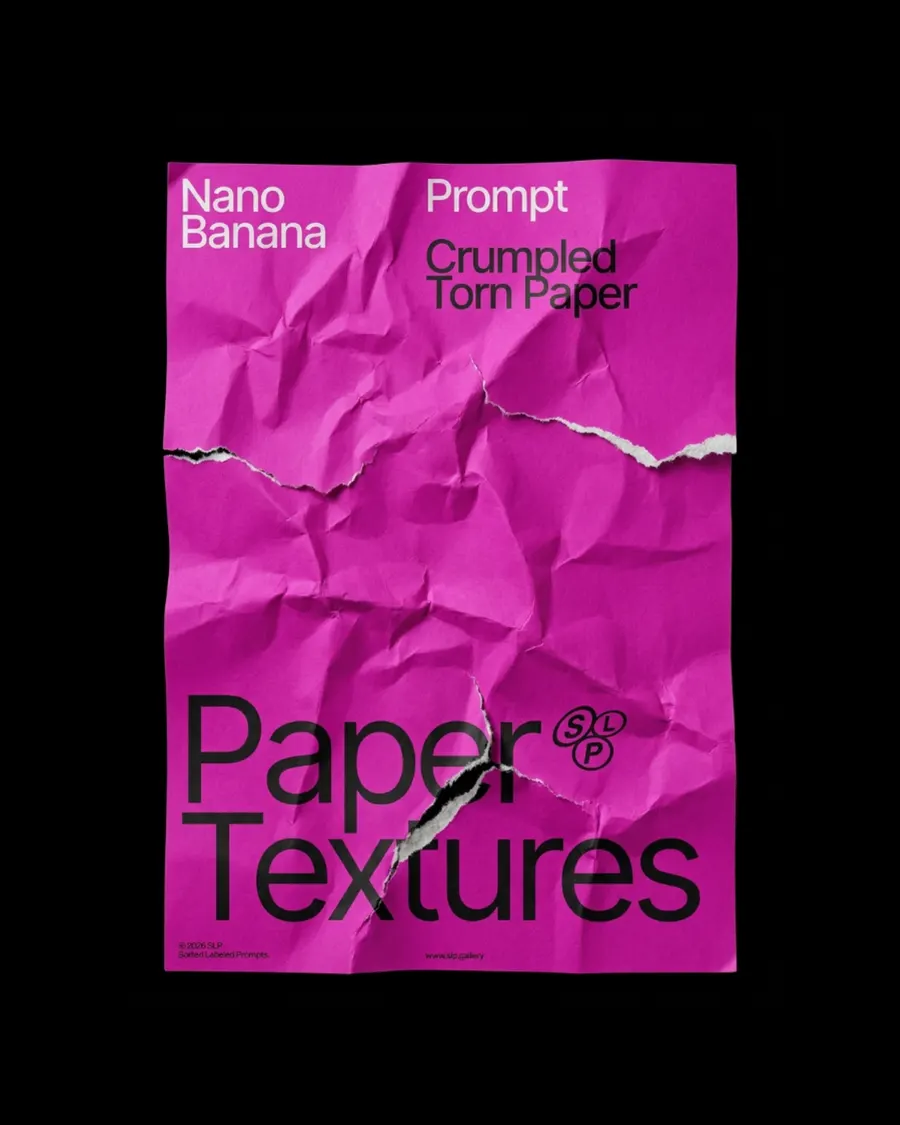
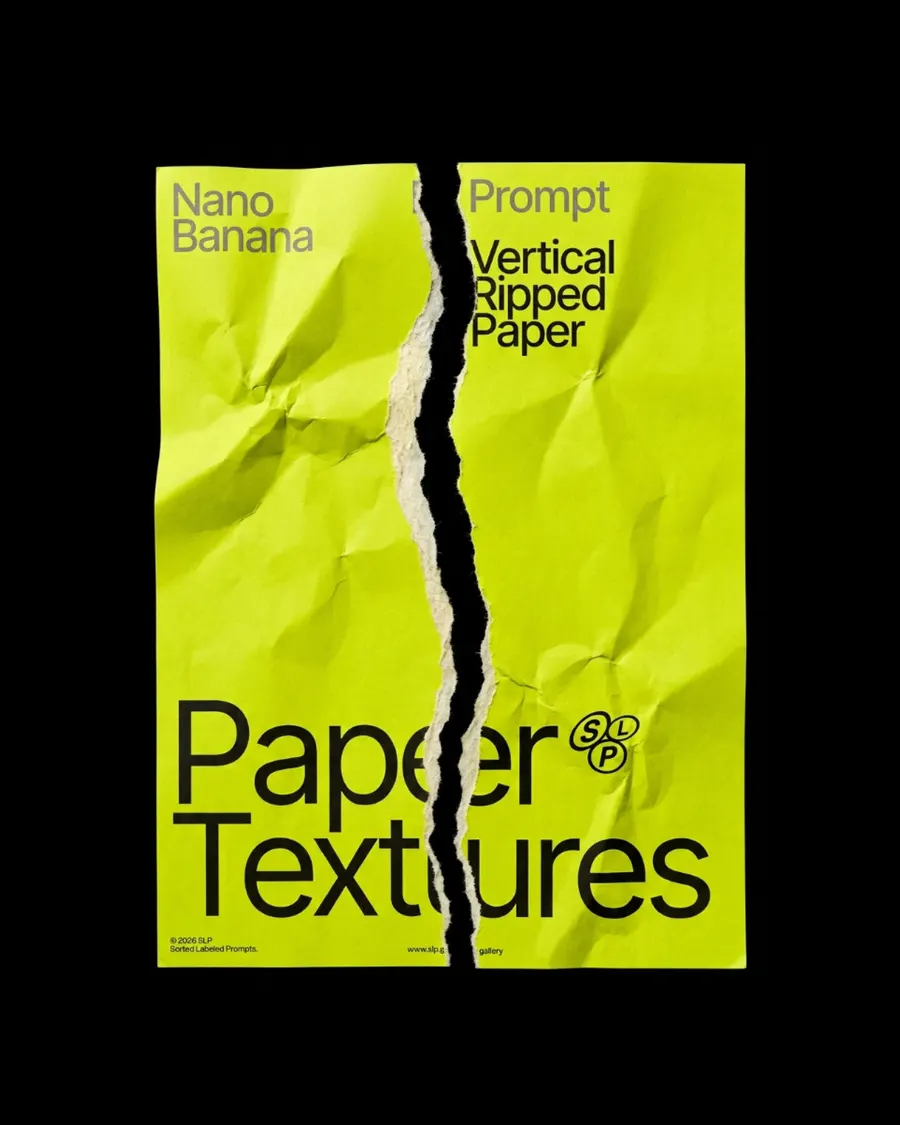
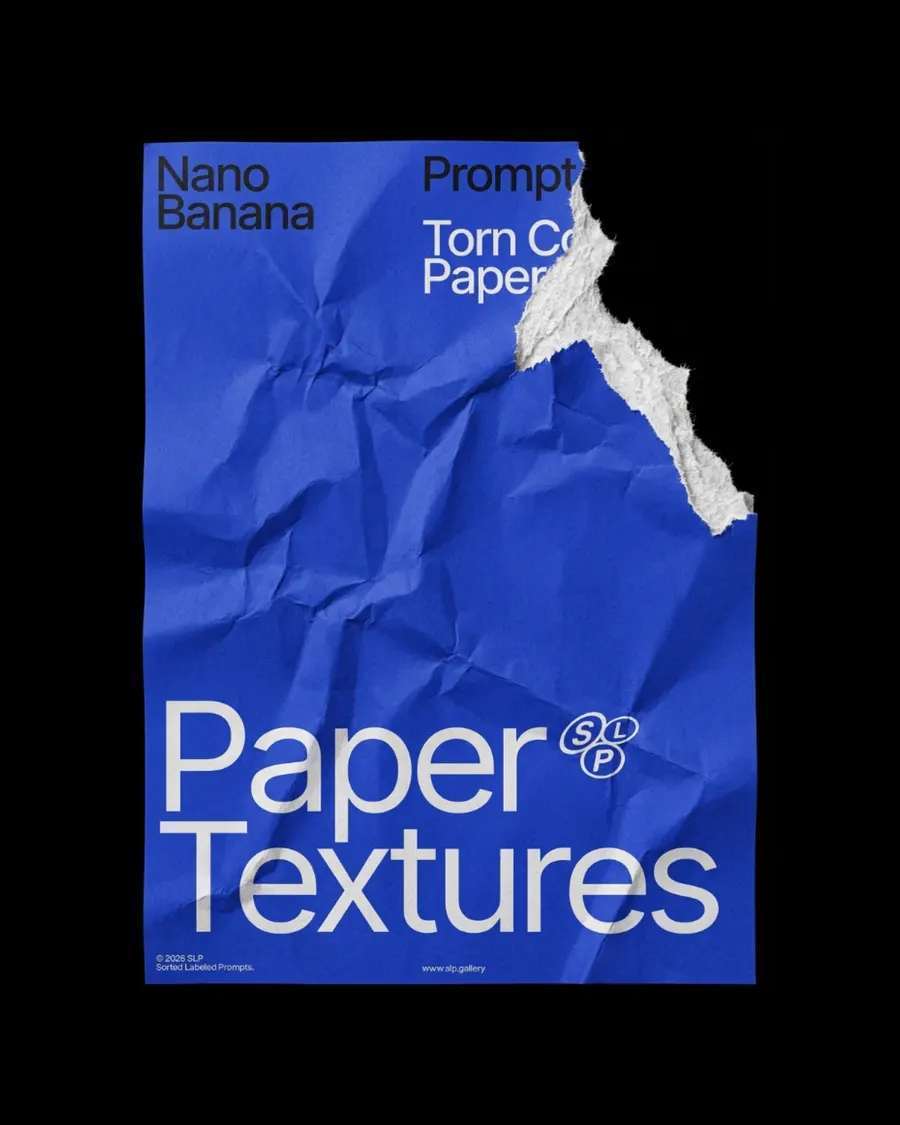
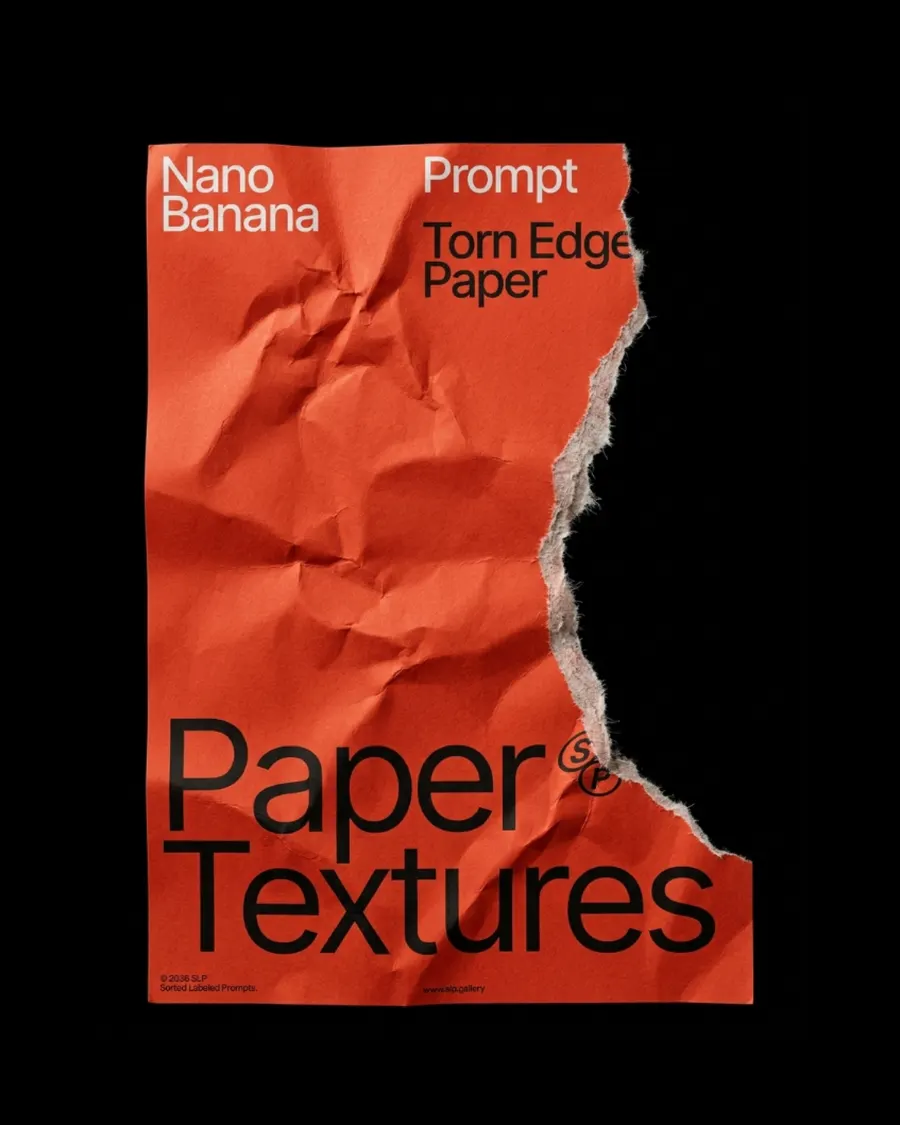
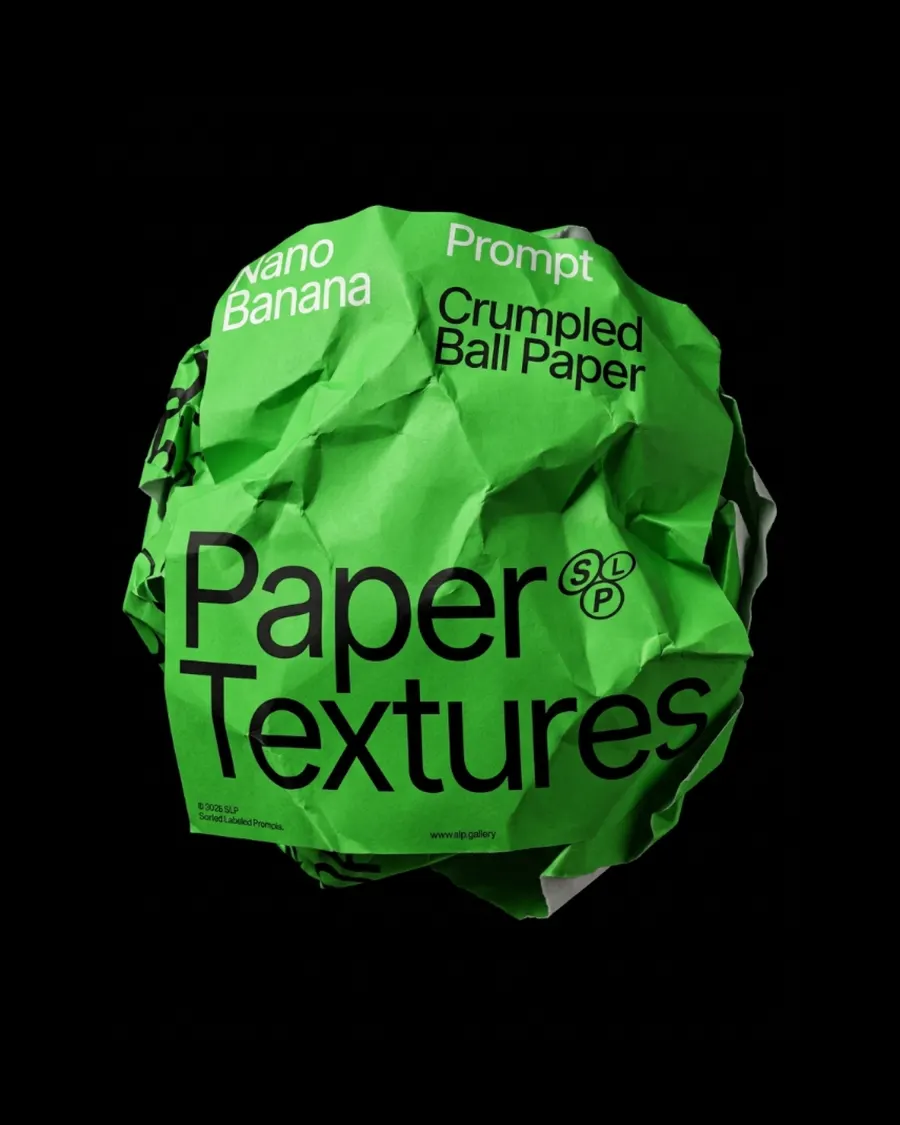
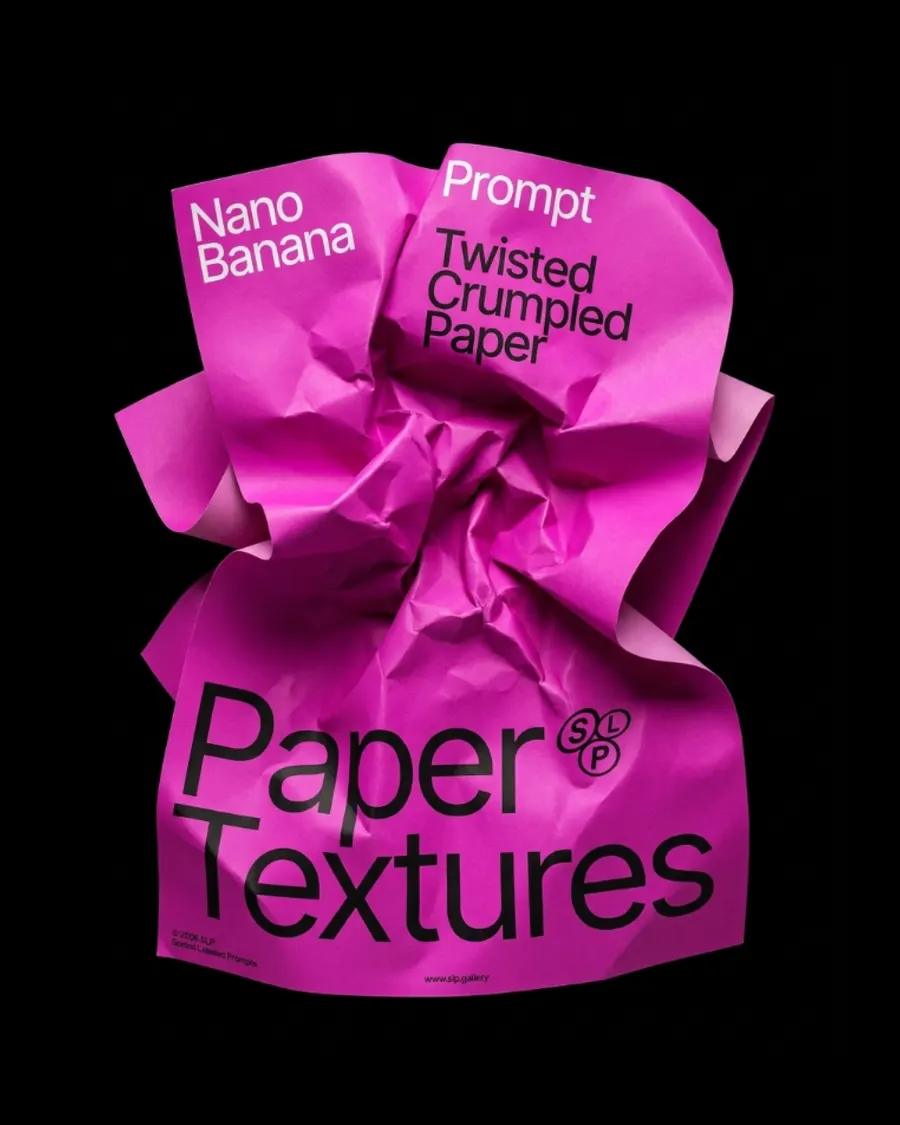










FAQ
If you've generated an image in Midjourney and you're not happy with the background, the angle, or the details of the object itself, the easiest way to edit it is using Images 2.5 or Nano Banana Pro. Use a simple prompt and describe only what you want to change — for example
For a 360° turntable animation I use Kling 2.5 Turbo on Higgsfield — it gives the best results. You can also use Midjourney's animation, but its quality is noticeably worse.
I use a simple prompt:
If you're generating in Midjourney, don't enable the Loop feature — right now it produces buggy results.
On a free Google Flow account, by my own count: roughly 250 generations every 24 hours on Nano Banana 2, around 10 to 20 on Nano Banana Pro, and about 250 again on Nano Banana 2 Lite, which carries an allowance of its own. All three reset on a 24-hour cycle, and a refused generation is not charged.
Everything here was made mostly on Nano Banana 2. Between it and Pro I can't see much difference in the picture, so the cheaper one is usually the right choice. Lite follows a prompt less closely and needs more retries.
Have a question? Just DM @slp.gallery