All /
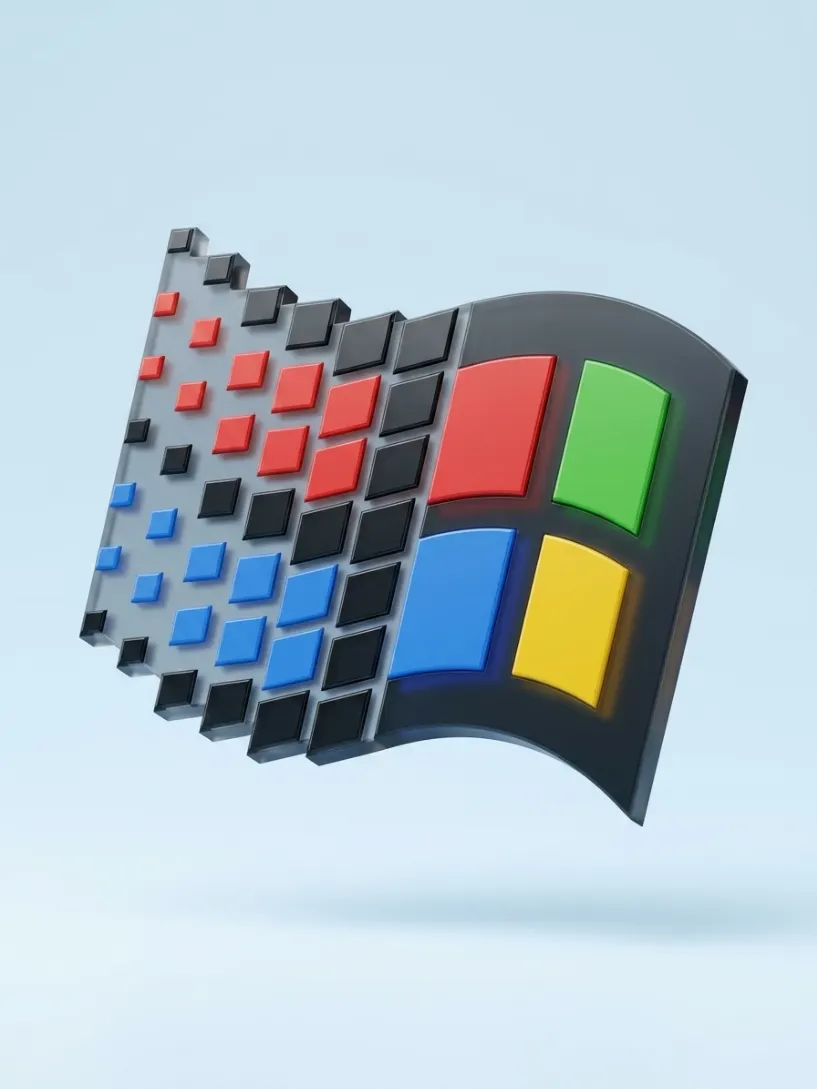
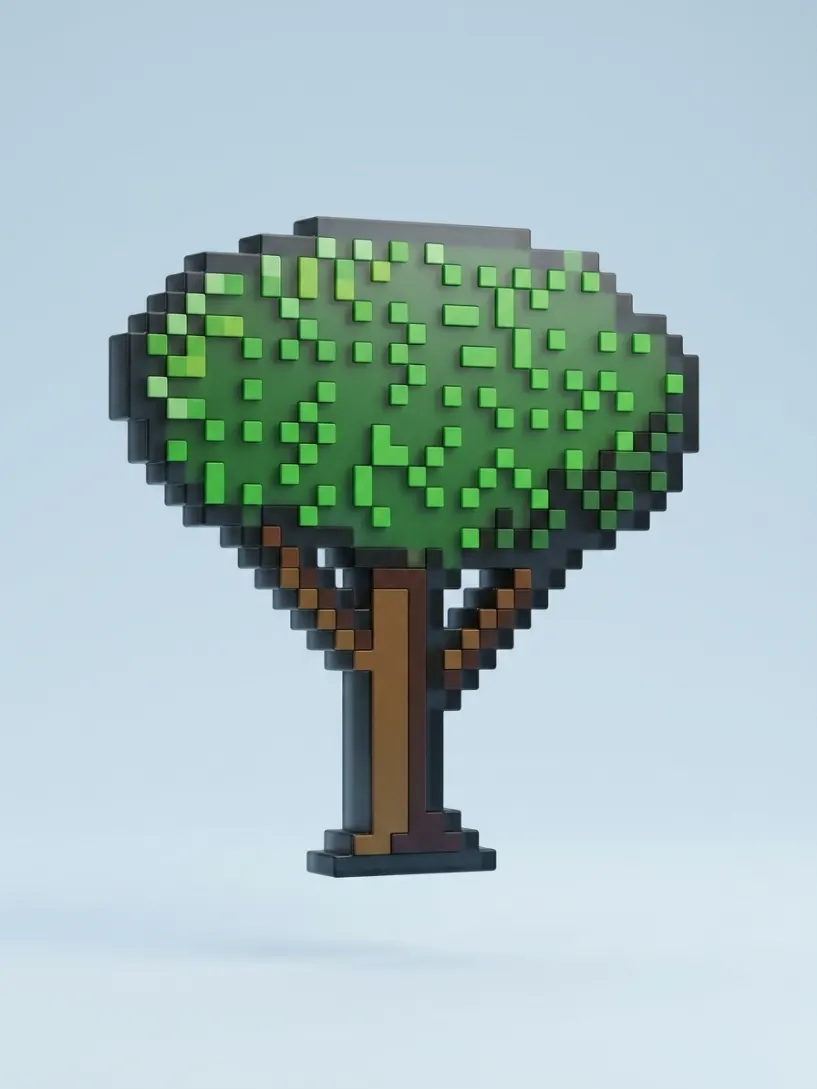
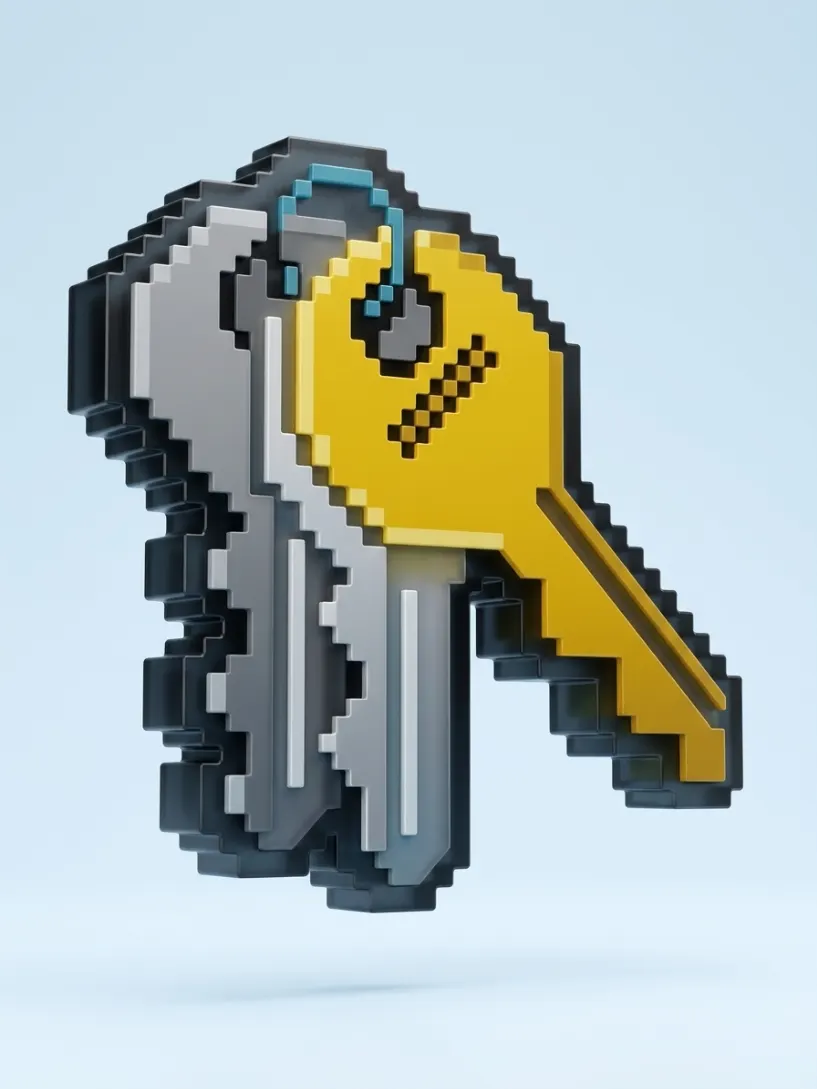
Glass Pixel Icons
{
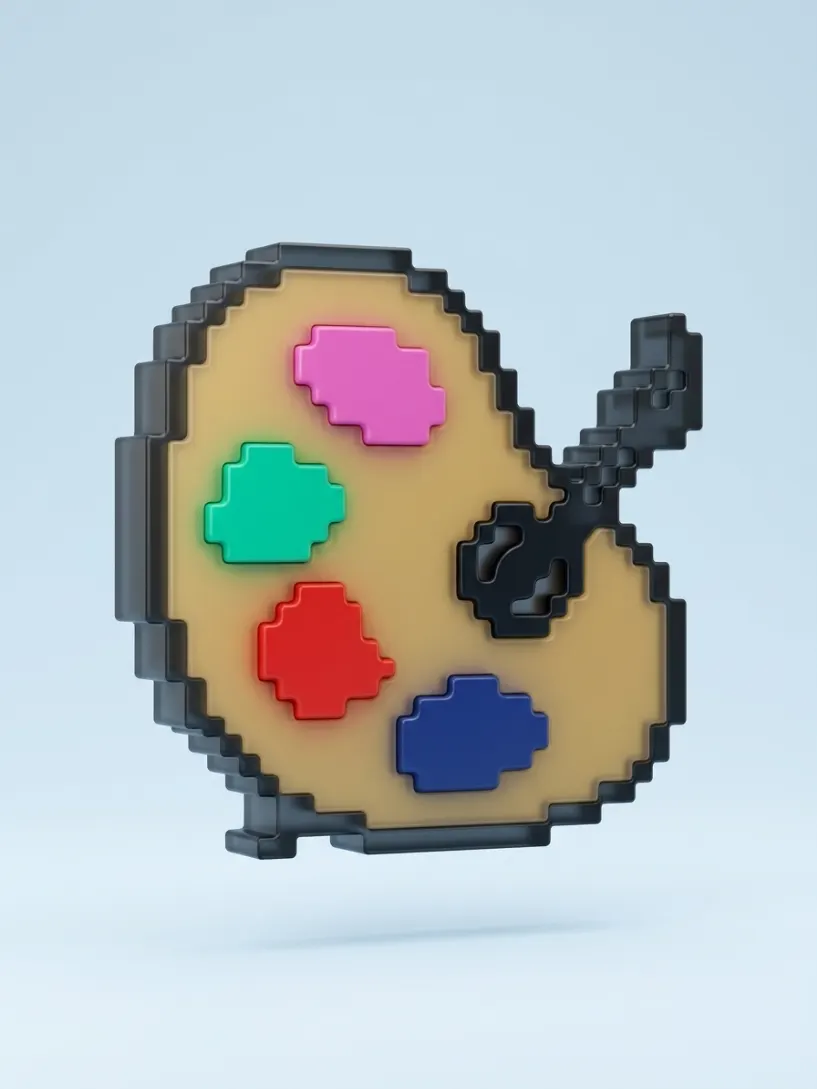
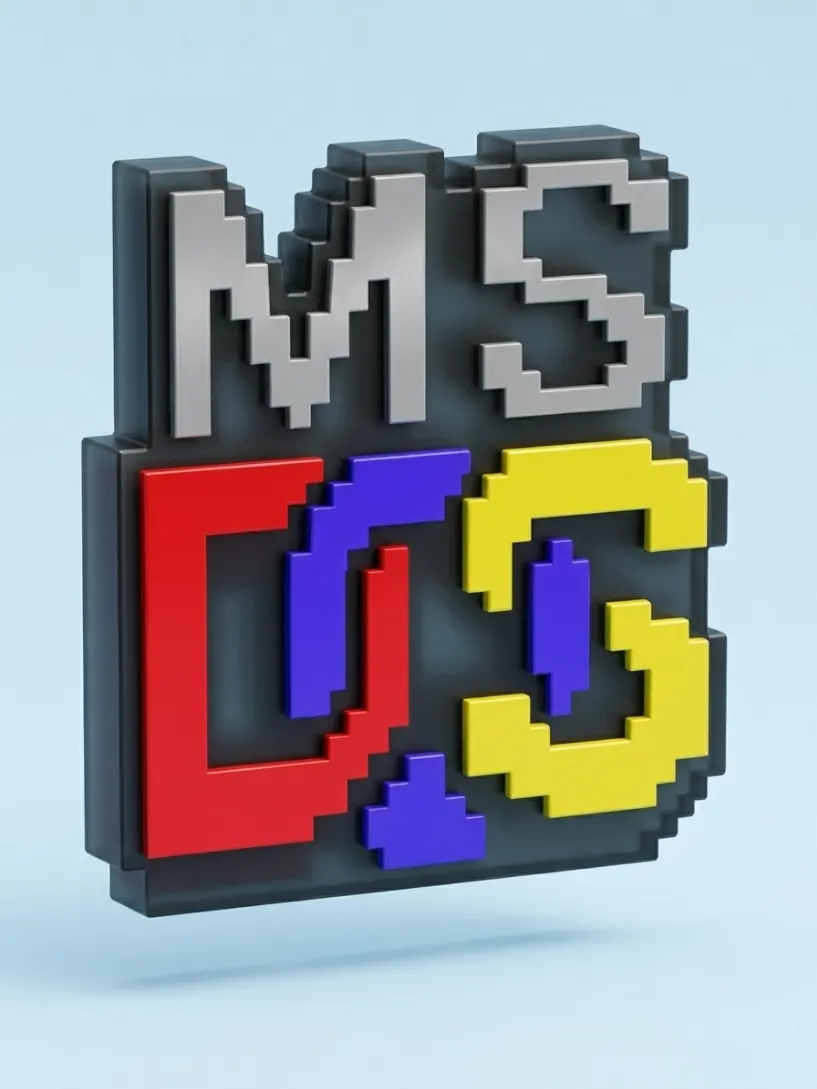
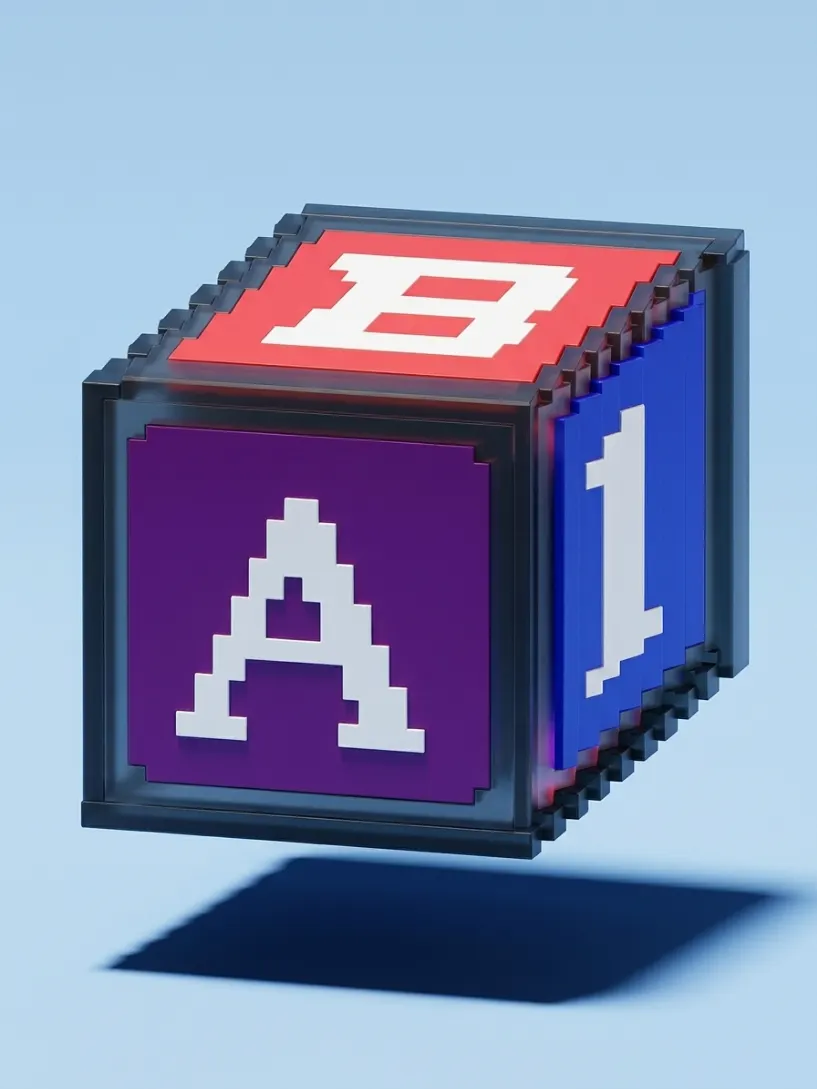
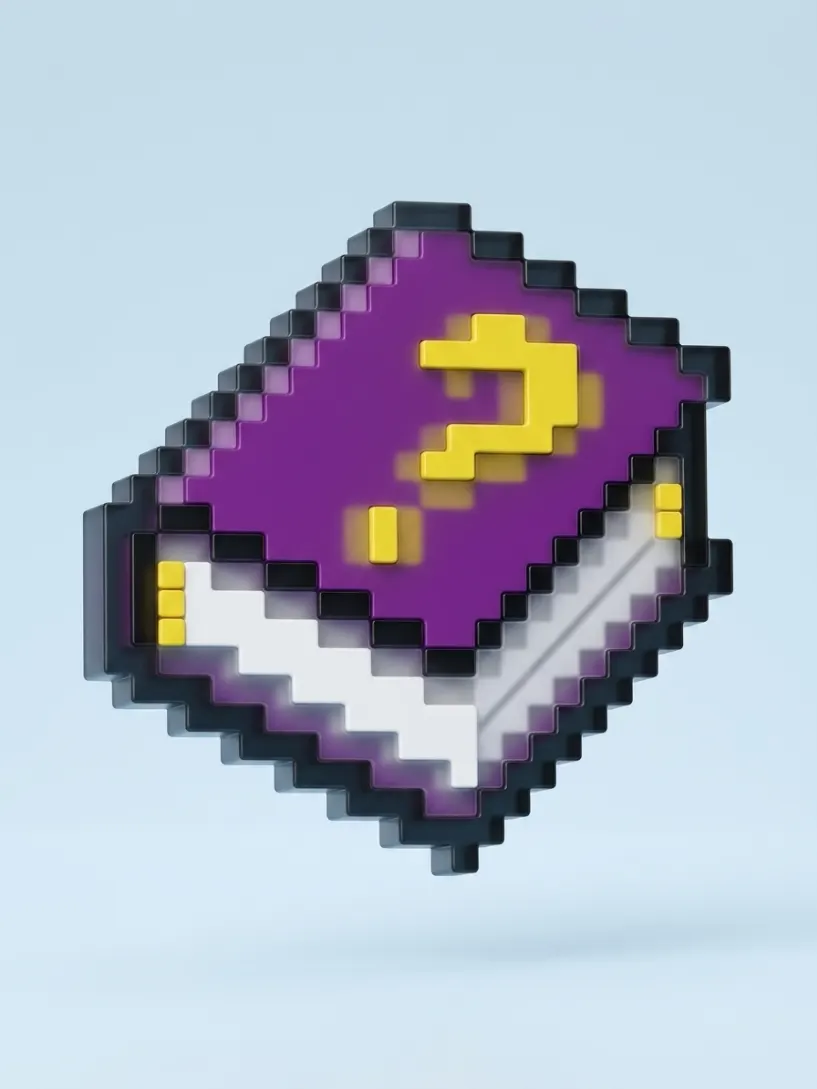
  "action": "Transform the attached image into a premium three-dimensional pixel-art icon made from exactly two material layers: a frosted smoked-black glass frame and opaque colored plastic fills.",
  "preserve": "Preserve the original subject, silhouette, proportions, pixel-step geometry, internal elements, source color layout, orientation, and composition exactly as shown in the input image.",
  "variables": {
    "outline_color": "#151C24",
    "background_color": "#CFE7F5"
  },
  "material": {
    "type": "Two-layer pixel-art construction with frosted smoked glass and opaque molded plastic",
    "description": "Layer one is a single continuous frosted smoked-black glass frame in {{outline_color}}, forming the outer pixel silhouette and all internal pixel boundaries. Layer two consists of opaque molded-plastic color fills that retain the exact original colors of the attached image.",
    "physical_feel": "A precise, compact collectible icon with dense glass depth, softly diffused internal color, and crisp square-pixel construction."
  },
  "structure": {
    "form": "The icon has exactly two depth levels. The rear layer is one continuous dark frosted-glass plate that forms both the outer pixel silhouette and every internal outline. The front layer contains all colored pixel shapes at one consistent shallow raised height.",
    "silhouette": "The smoked frosted-glass frame follows the exact outer boundary and internal pixel boundaries of the source image.",
    "volume": "Colored plastic fills sit precisely within the smoked-glass outline with uniform shallow elevation. Every colored component belongs to the same single front layer, creating a clear two-layer object."
  },
  "surface": {
    "finish": "The dark frame is dense smoked frosted glass with a satin-matte exterior, softened internal transparency, dark tinted edges, and subtle broad reflections. Color from the plastic inserts diffuses softly into the nearby glass, creating restrained blurred color halos beneath the frosted surface.",
    "behavior": "All pixel edges remain crisp, square, and planar. The colored fills sit precisely within the frosted-glass outline, which remains visible around every shape and along the full outer silhouette."
  },
  "colour_rule": "{{outline_color}} controls the full frosted smoked-glass outline layer and {{background_color}} controls the studio background. The second layer retains every original color from the attached image; colored light diffusion, blurred internal glow, darker tones, soft highlights, and glass depth arise naturally from the materials and lighting.",
  "optical_behavior": {
    "glass_outline": "Frosted smoked glass with visible thickness, low-clarity translucent depth, soft light scattering, dark tinted edges, broad satin reflections, and diffused color transmission from adjacent colored plastic inserts.",
    "colored_fills": "Opaque molded plastic with saturated source colors, smooth controlled reflections, and shallow physical separation from the frosted-glass frame."
  },
  "micro_detail": "Fine seams where the colored fills meet the frosted-glass outline, crisp square pixel corners, soft internal color diffusion, delicate contact shadows, restrained satin reflections, and precise shallow extrusion.",
  "lighting": {
    "style": "Premium studio product lighting",
    "effect": "Large soft highlights reveal the frosted glass thickness while colored plastic inserts create gentle diffused color blooms inside the smoked frame. Controlled reflections make the two physical layers clearly readable.",
    "contrast": "Medium contrast with refined glass depth, saturated color, and clear dark-frame separation."
  },
  "rendering": {
    "style": "Ultra high-detail photorealistic 3D product render",
    "detail": "Faithful pixel-step construction, exactly two material layers, accurate frosted smoked-glass depth, soft internal color diffusion, opaque plastic fills, clean reflections, and premium collectible-object finish."
  },
  "background": "Smooth seamless studio background in {{background_color}}.",
  "composition": "Centered isolated icon, slightly floating, close dynamic three-quarter view from slightly above, with the frosted smoked-glass thickness and the single raised colored layer clearly visible."
}More prompts
See all












FAQ
If you've generated an image in Midjourney and you're not happy with the background, the angle, or the details of the object itself, the easiest way to edit it is using Images 2.5 or Nano Banana Pro. Use a simple prompt and describe only what you want to change — for example
For a 360° turntable animation I use Kling 2.5 Turbo on Higgsfield — it gives the best results. You can also use Midjourney's animation, but its quality is noticeably worse.
I use a simple prompt:
If you're generating in Midjourney, don't enable the Loop feature — right now it produces buggy results.
On a free Google Flow account, by my own count: roughly 250 generations every 24 hours on Nano Banana 2, around 10 to 20 on Nano Banana Pro, and about 250 again on Nano Banana 2 Lite, which carries an allowance of its own. All three reset on a 24-hour cycle, and a refused generation is not charged.
Everything here was made mostly on Nano Banana 2. Between it and Pro I can't see much difference in the picture, so the cheaper one is usually the right choice. Lite follows a prompt less closely and needs more retries.
Have a question? Just DM @slp.gallery