All /
Diamond Jewelry
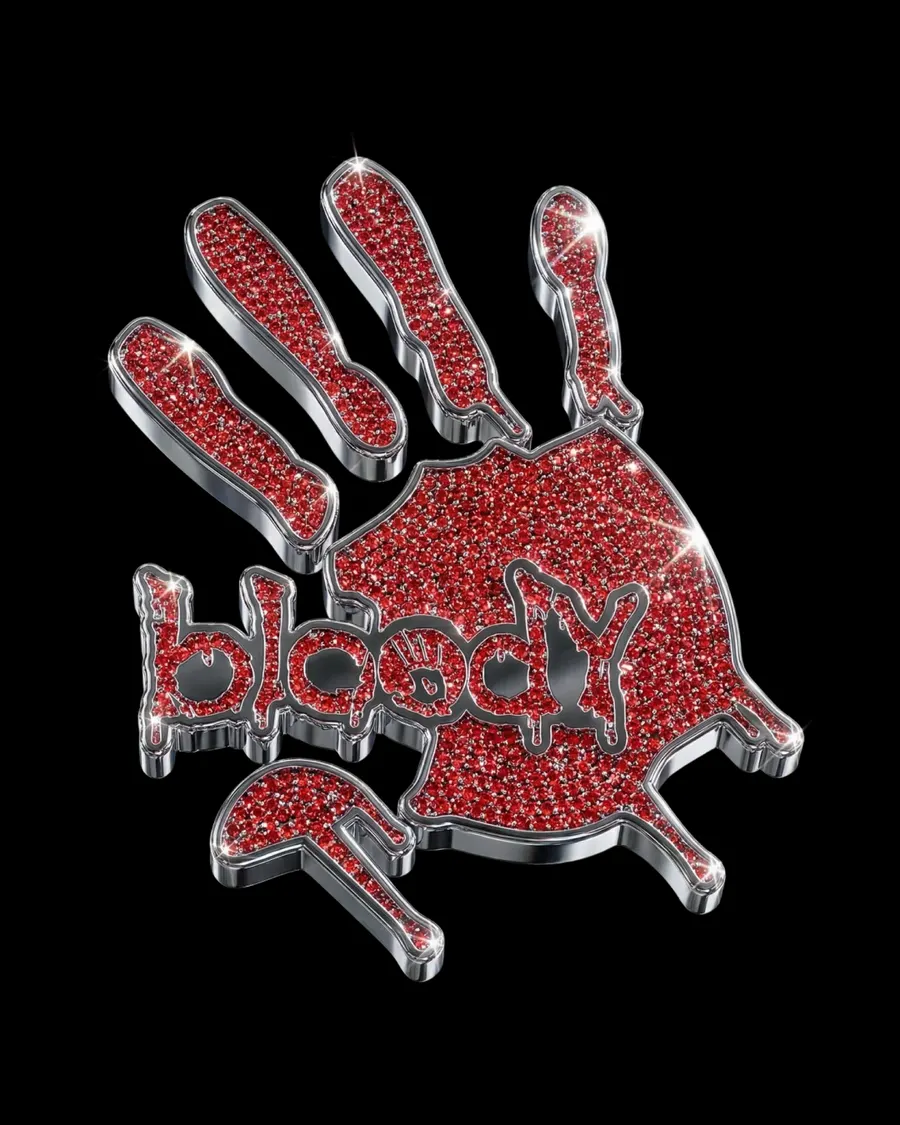
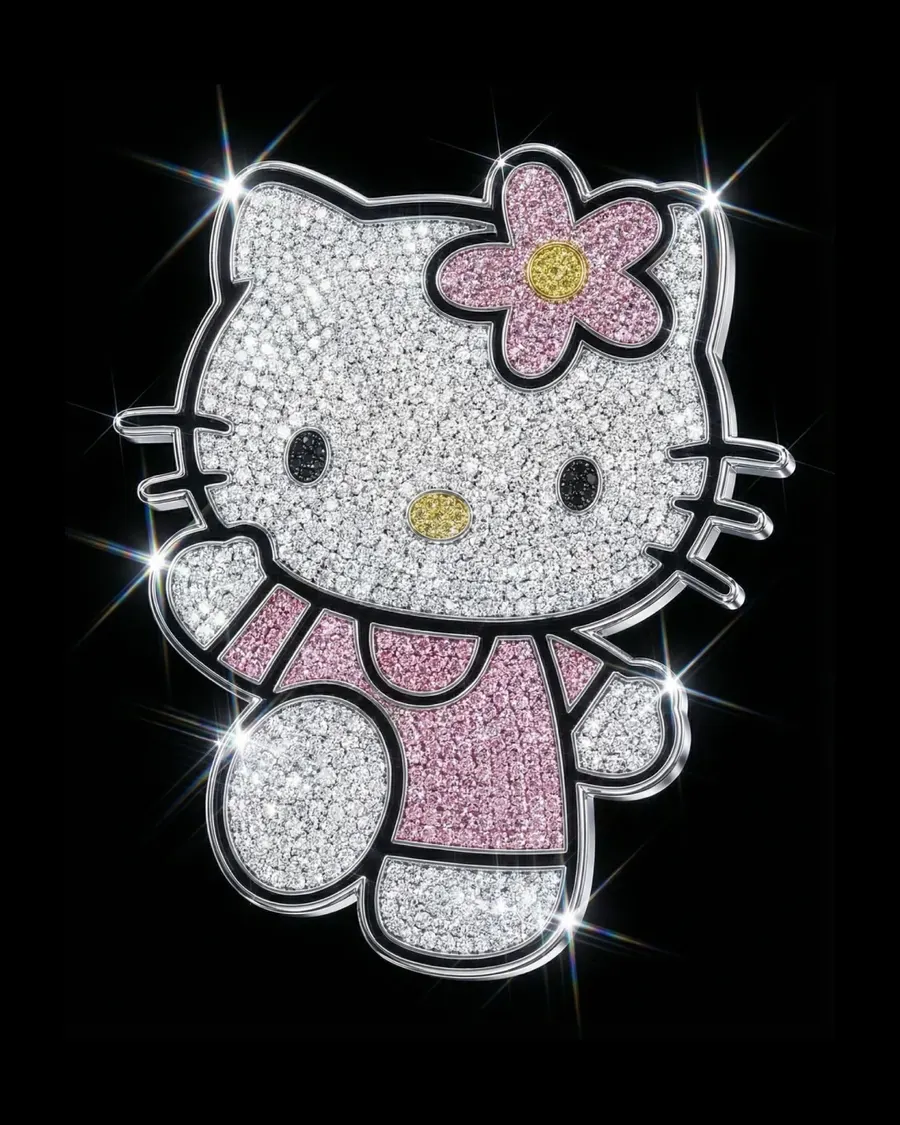
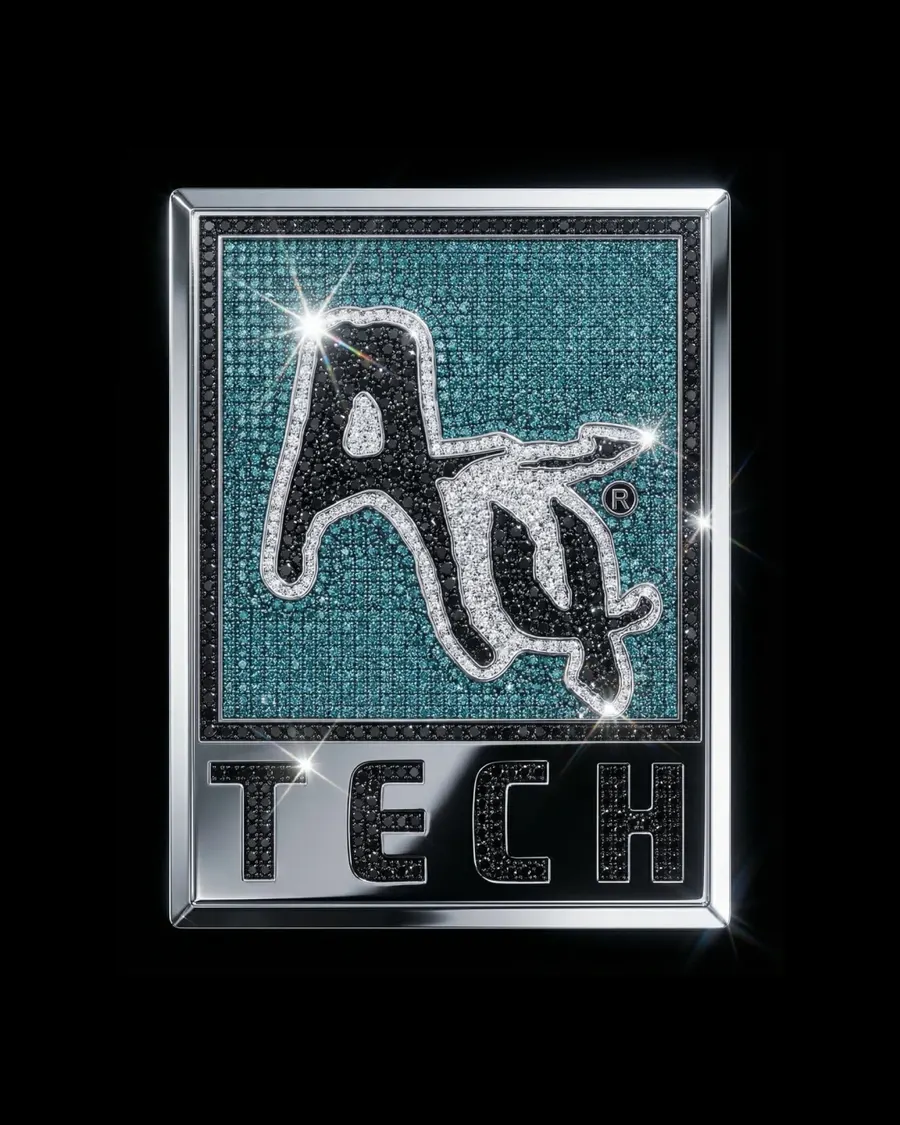
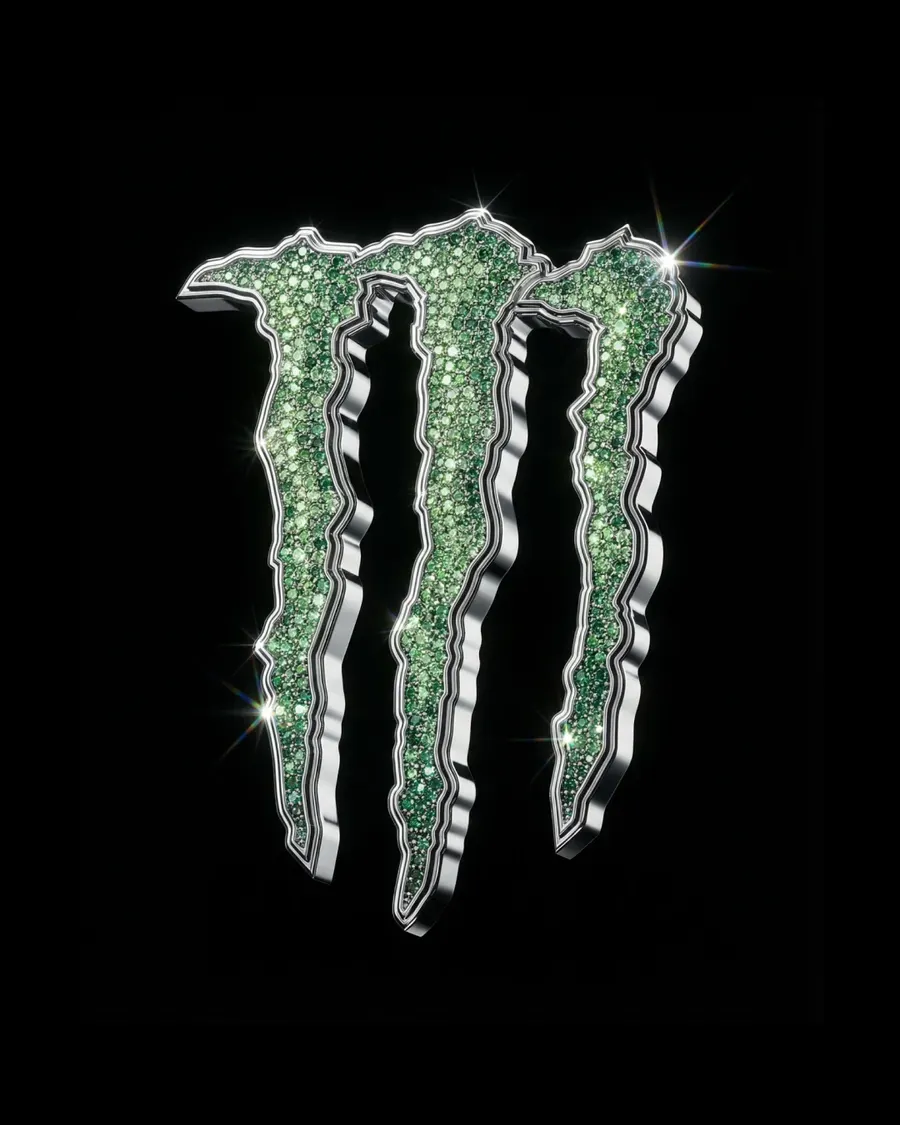
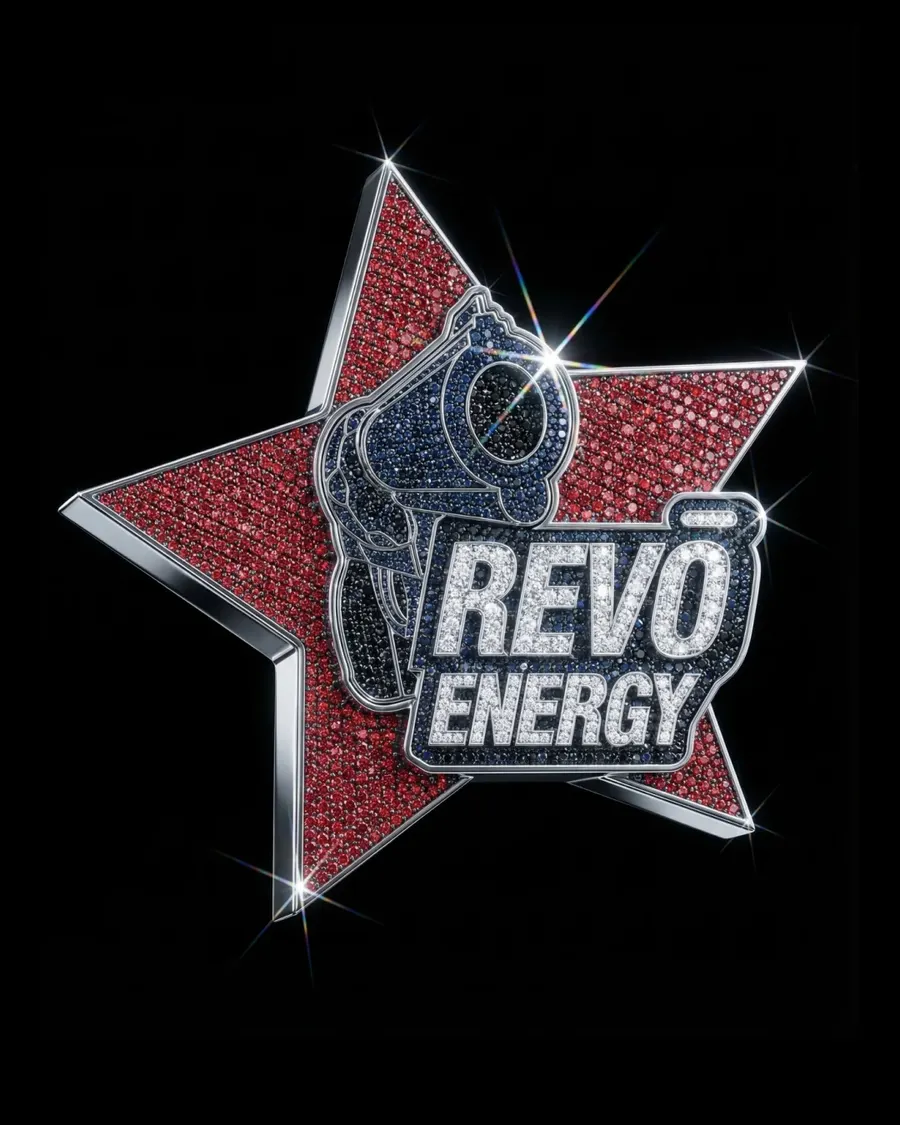
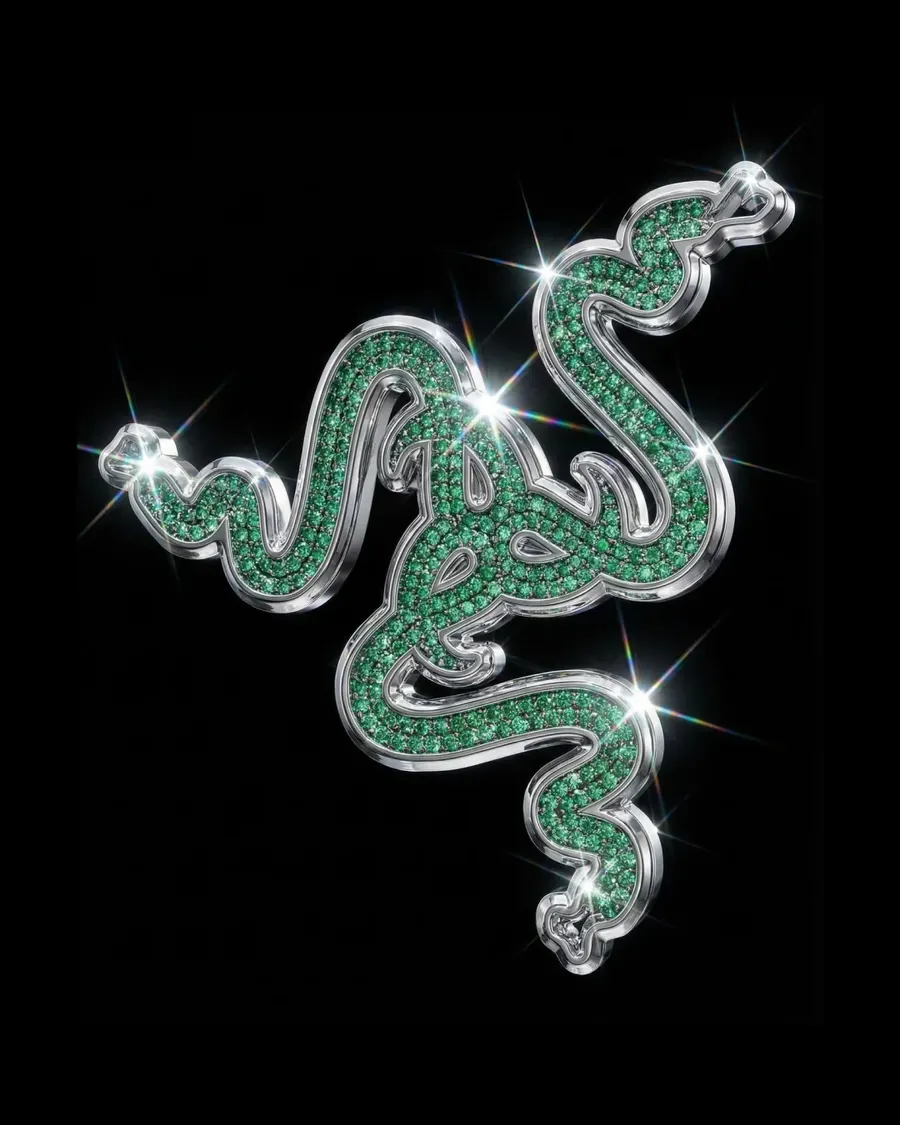
Transform the input logo into a high-end luxury jewelry version. Recreate the logo using dense micro diamond pavé surface, composed of thousands of tiny gemstones tightly packed together, with ultra high clarity and sharp reflections. Use the original colors of the input logo for the gemstones, preserve the exact color palette, do not introduce new colors, adapt diamond colors strictly based on the original logo colors. Add a polished chrome metal outline around all shapes, with thick beveled edges and mirror-like reflections, clearly defining the logo silhouette. Enhance with intense sparkle highlights and starburst lens flares on the diamonds, including subtle light diffraction. Preserve the exact original logo shape, proportions, and structure — do not distort or redesign. Lighting: cinematic studio lighting with strong directional light, high contrast, deep blacks, bright specular highlights. Background: pure black (#000000), centered composition, no extra elements. Ultra realistic rendering, macro detail, extremely sharp, premium jewelry product style.
More prompts
See all




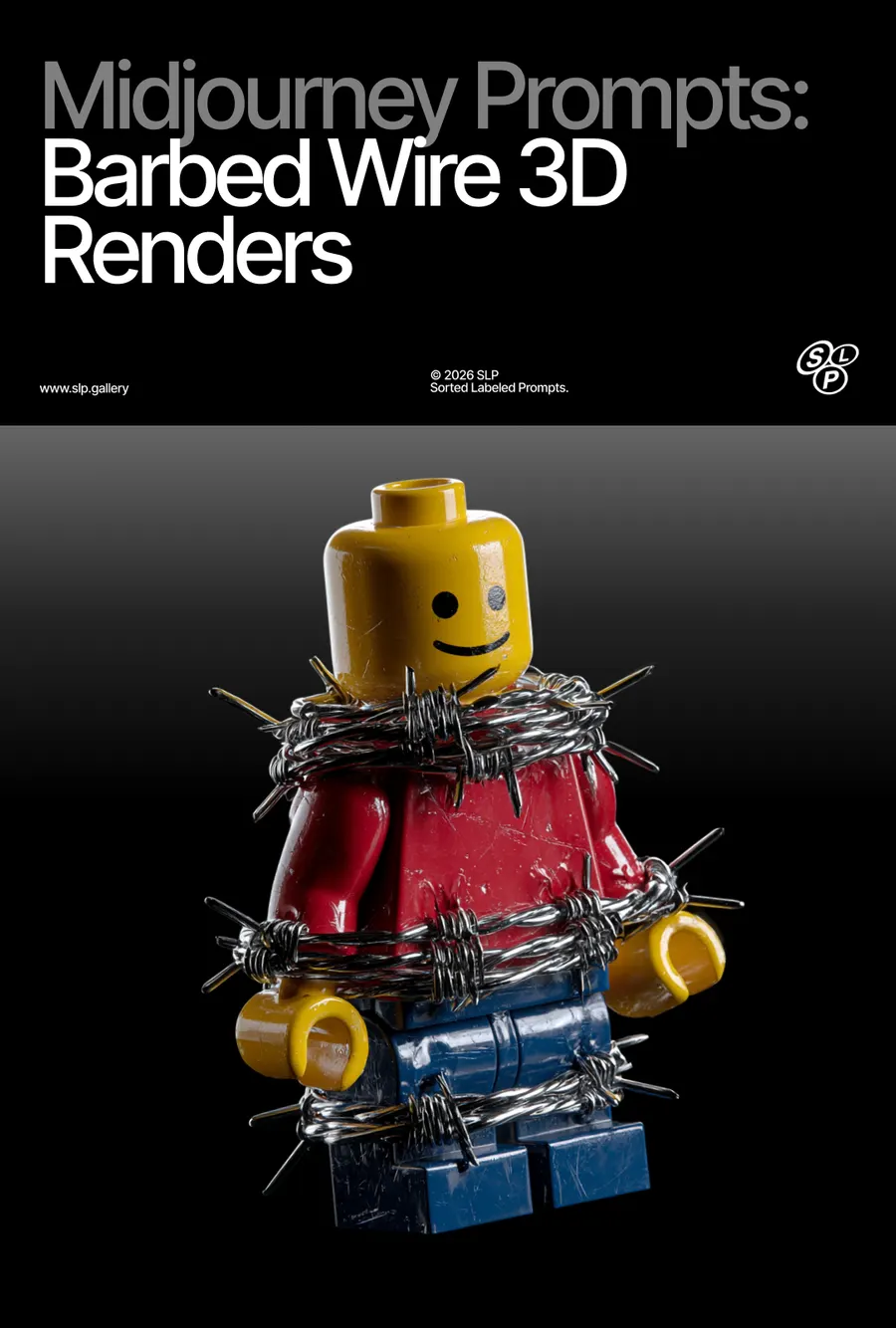

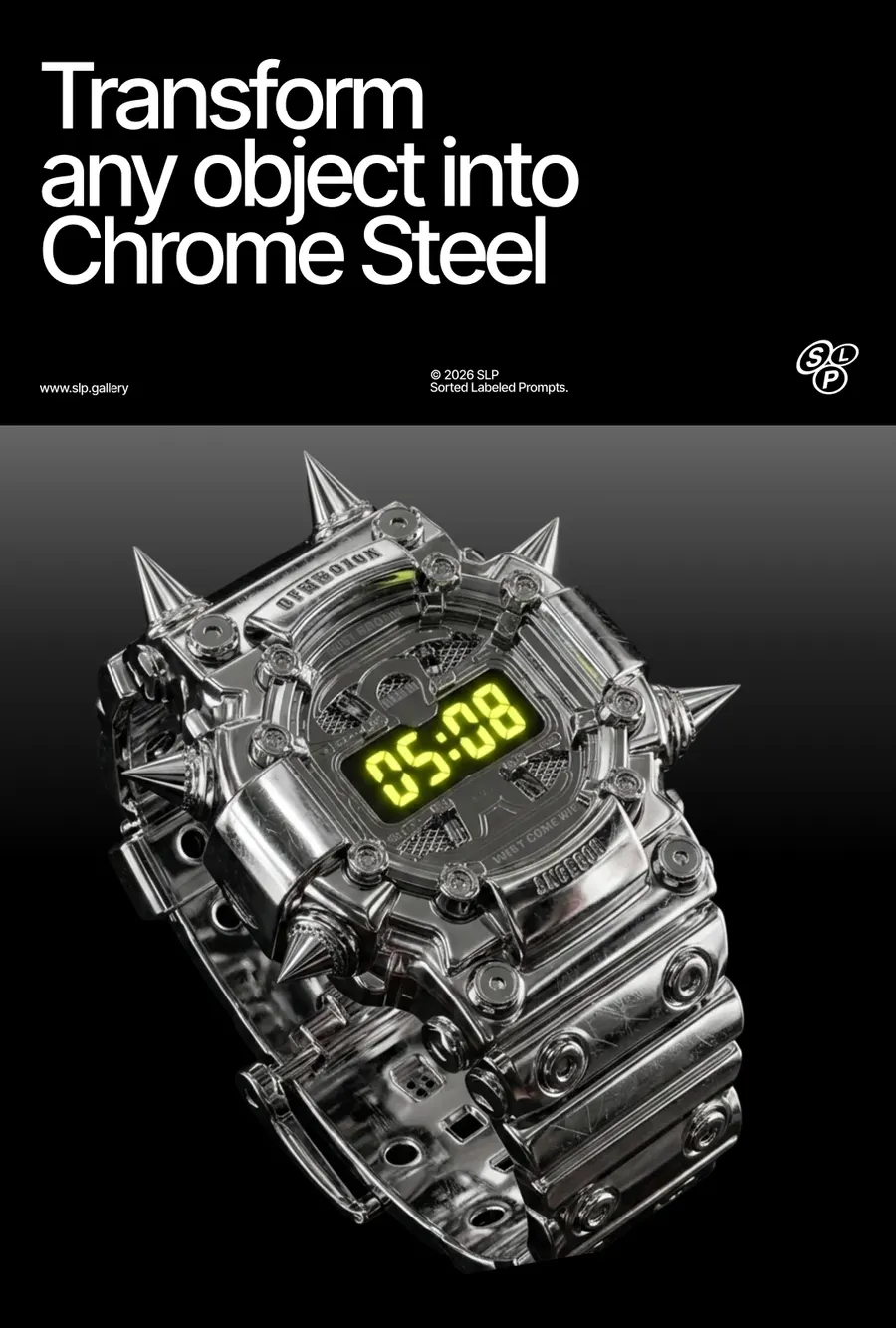

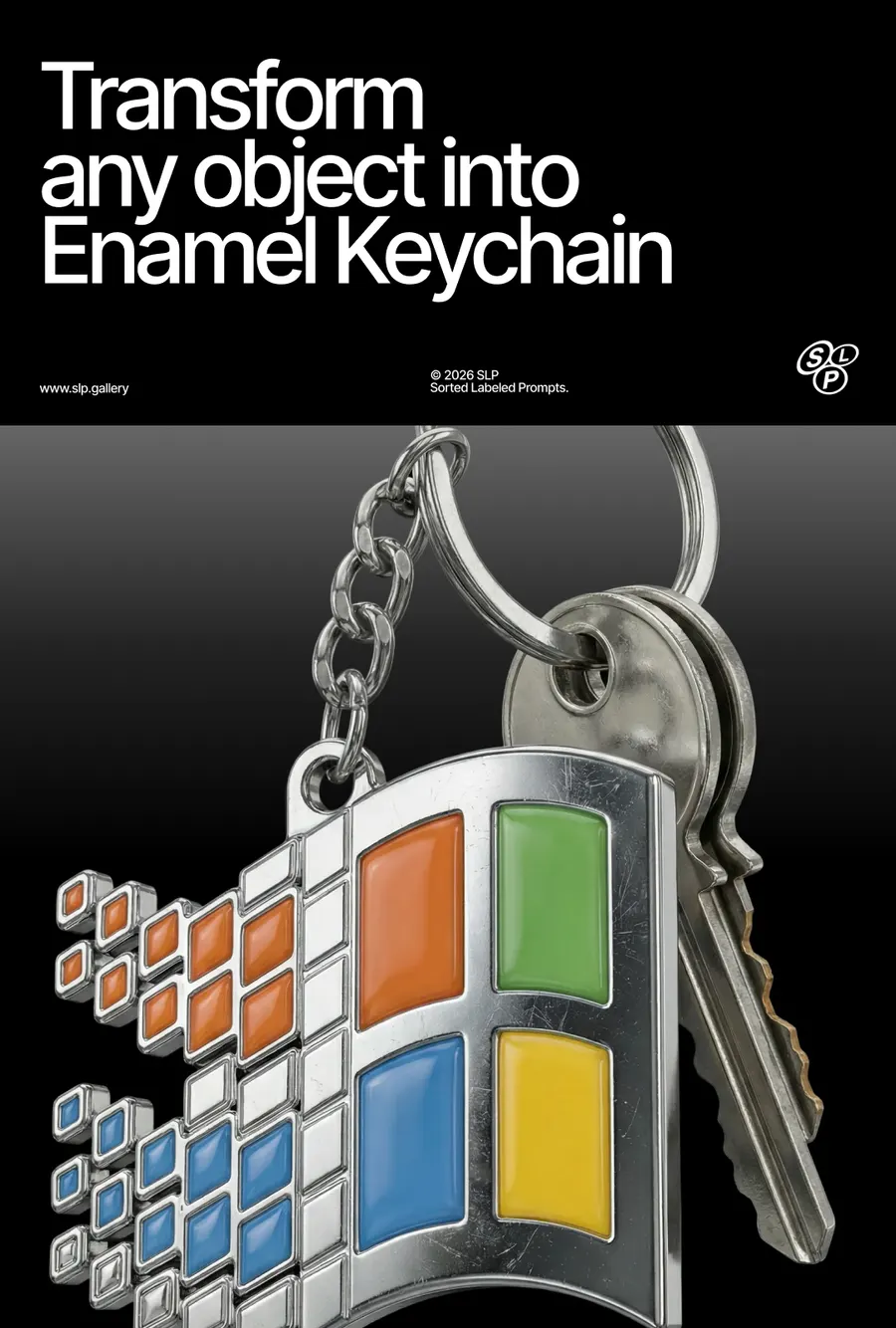

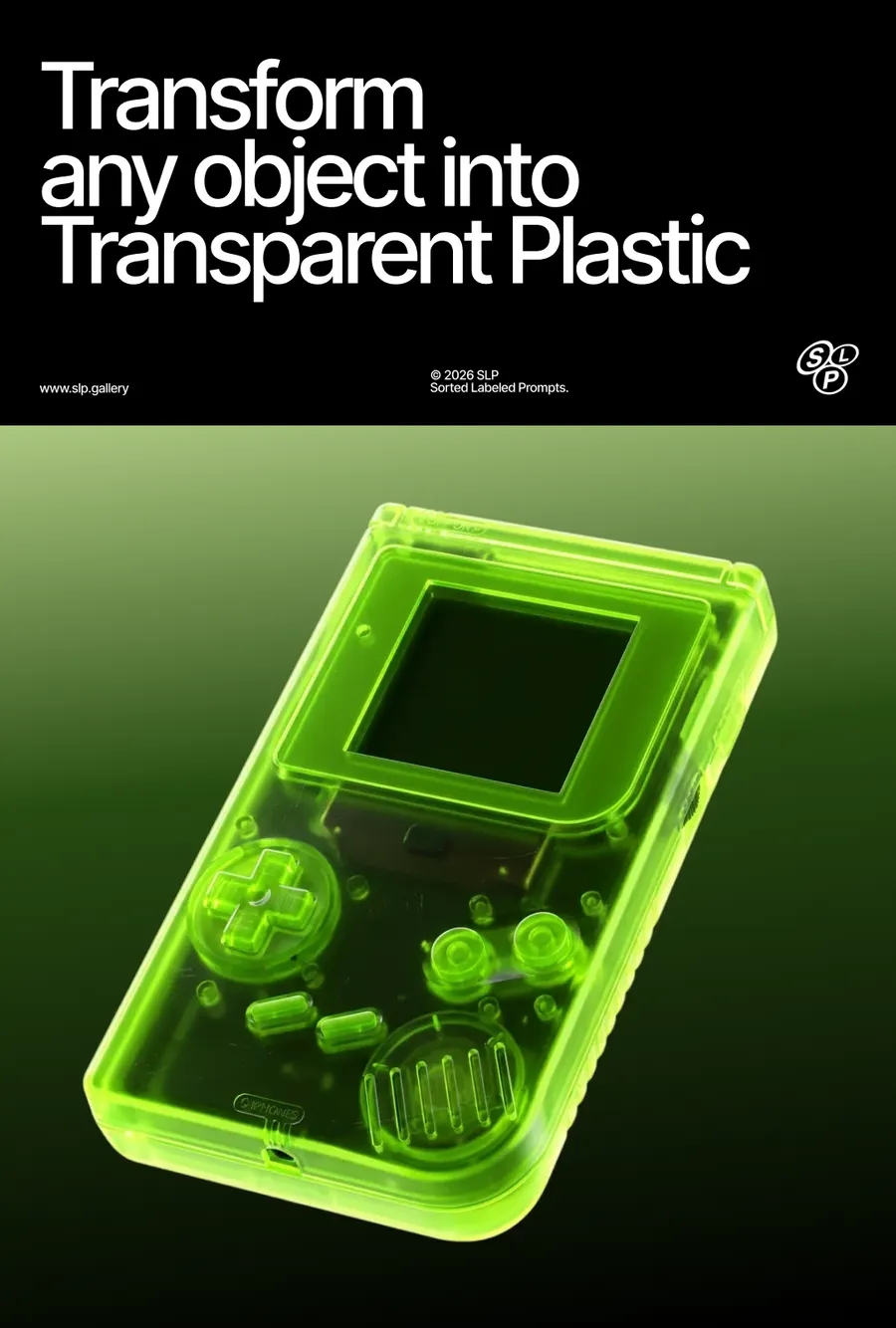





FAQ
If you've generated an image in Midjourney and you're not happy with the background, the angle, or the details of the object itself, the easiest way to edit it is using Images 2.5 or Nano Banana Pro. Use a simple prompt and describe only what you want to change — for example
For a 360° turntable animation I use Kling 2.5 Turbo on Higgsfield — it gives the best results. You can also use Midjourney's animation, but its quality is noticeably worse.
I use a simple prompt:
If you're generating in Midjourney, don't enable the Loop feature — right now it produces buggy results.
On a free Google Flow account, by my own count: roughly 250 generations every 24 hours on Nano Banana 2, around 10 to 20 on Nano Banana Pro, and about 250 again on Nano Banana 2 Lite, which carries an allowance of its own. All three reset on a 24-hour cycle, and a refused generation is not charged.
Everything here was made mostly on Nano Banana 2. Between it and Pro I can't see much difference in the picture, so the cheaper one is usually the right choice. Lite follows a prompt less closely and needs more retries.
Have a question? Just DM @slp.gallery